This week's tip comes from John_Moore_YL at our certified training partner, Yukon Learning.
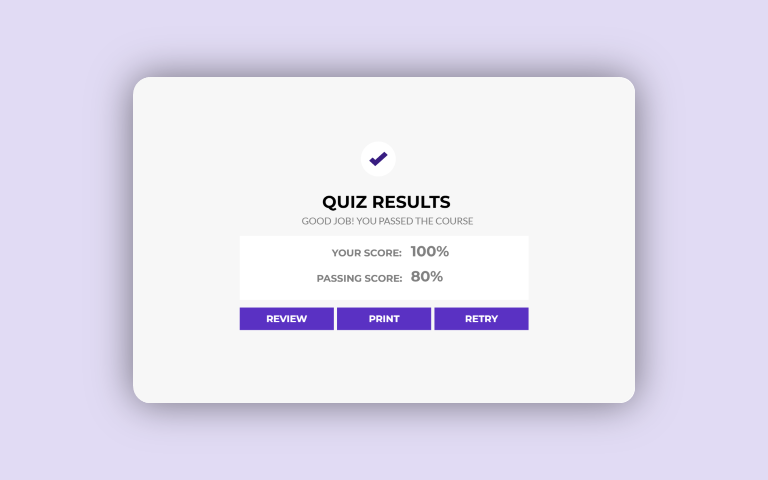
You've created the questions, perfected your feedback master, and your quiz is almost ready to go! But how will the learner know if they passed or failed the quiz? The last step in creating a quiz in Storyline is to set up the results slide.
In this video, you'll learn how to:
- Add a results slide
- Set a passing score
- Determine which questions contribute to the quiz results
- Add and adjust buttons for the learner to review the quiz and print their results
Resources:
Updated 2 months ago
Version 2.0
elizabeth
Partner
Joined August 10, 2017

John_Moore_YL
Partner
Joined November 25, 2019
Tips & Tricks Blog
Pro tips for Articulate tools & course design.