Forum Discussion

Problem with white bars when inserting storyline block in rise.
Hi,
Trying out Rise. It's great. I added a storyline block with the standard 4x3 dimensions and then a custom 800 x 570 and everytime I preview I see white bar top and bottom. I have the Menus & Controls set to off. Modern Player Style. I tried making the background transparent and then matching it with the color of the block. Nothing seems to work.
Thanks
46 Replies
- LaurelRohlfCommunity Member
- SaraKuntz-6d0c0Community Member
I am having an issue with this. Showing black bars for storyline block. Storyline player is set to Light/white. Rise block set to white background. ONLY goes away once you select the play button to start the storyline interaction. I would like the black bars to not be there even if user did not select play.
Hi there, Sara!
Do you have an audio or video file that plays automatically on your first slide? If so, the black bars above and below the slide are a part of the play button overlay that appears when you have media on your first slide.
Try adding an introductory slide before this one that does not have audio or video on it. Then, republish the content to Review 360, and update the Storyline block. The black bars should disappear!
Let me know if that helps!
- SaraKuntz-6d0c0Community Member
That is what the issue was. Thank you so much! Problem solved. :)
- LaurelRohlfCommunity Member
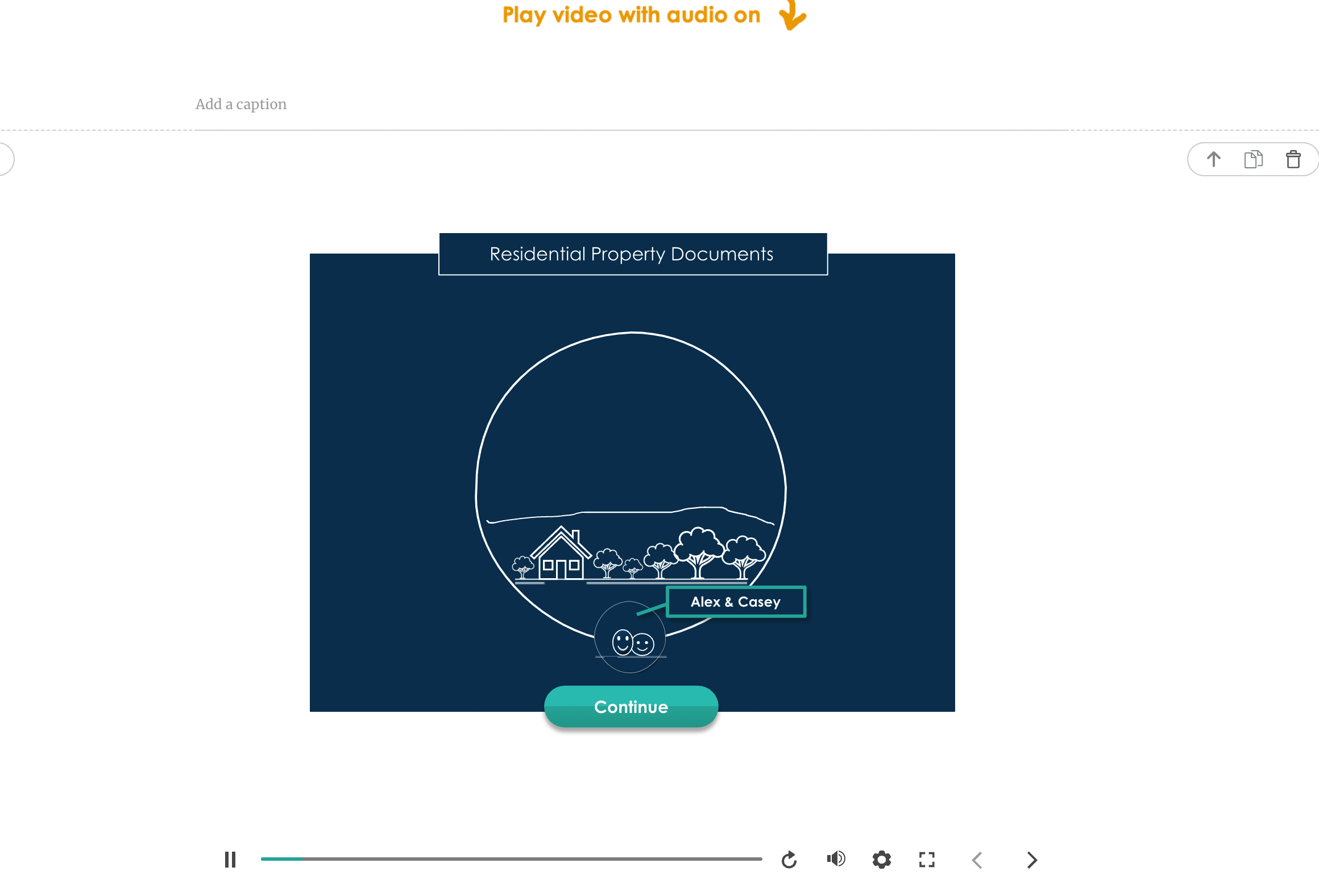
Hi still having this issue with inserting a Storyline block (no audio or video) into Rise. Screenshot shows the undesired thin white bars above and below the block. SL file also attached. Note I tried adding an initial slide before the main slide but that didn't fix it. Any help would be greatly appreciated.
- Michelle_EireCommunity Member







Related Content
- 12 months ago
- 12 months ago
- 12 months ago