Forum Discussion

Storyline 360 Pros — What’s Your Favorite “Hidden Gem”? 💎
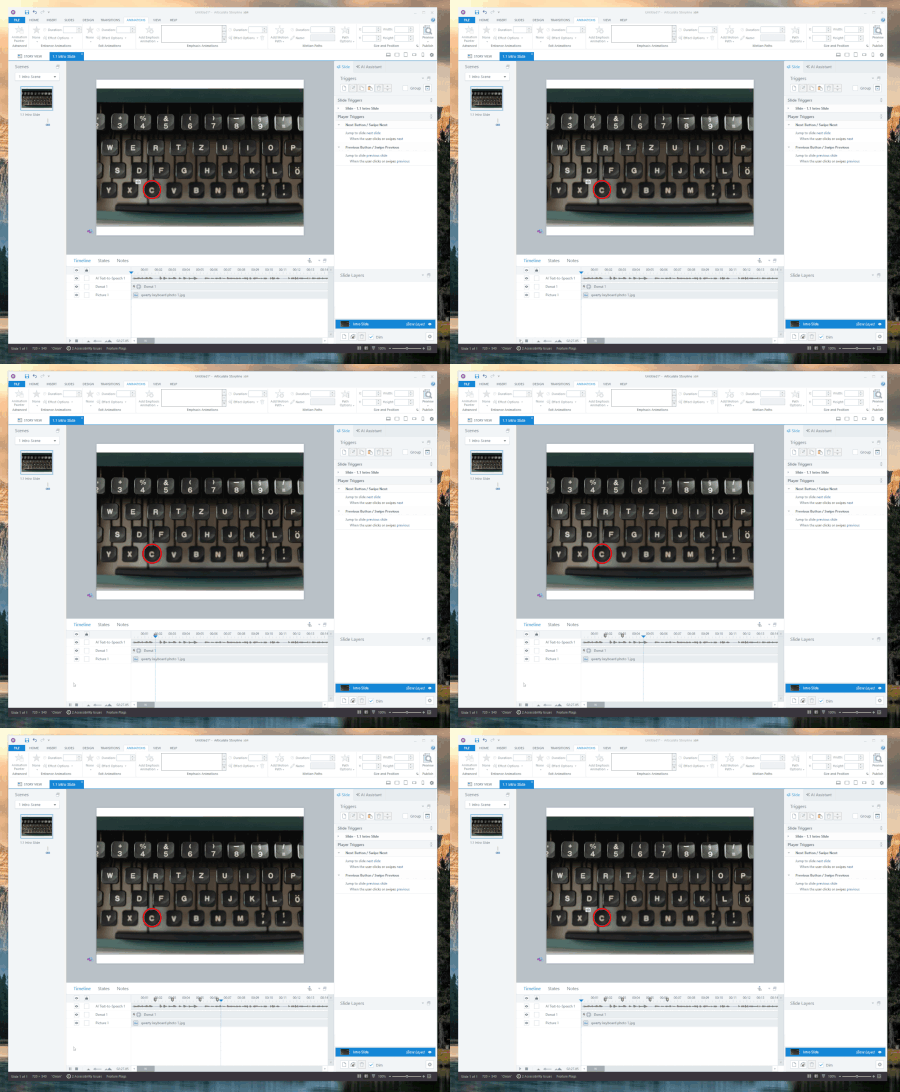

How would you use this feature? Can you give me an example?

Ridly - Michael's right about using this feature for lightbox. The window condition lets you control how a slide behaves based on whether it’s shown in the regular player frame (default) or as a lightbox.
Example: if you have a detailed instruction slide early in your course with audio and animations, etc., you might want it to play fully the first time.
But later, if the learner lightboxes that same slide as a quick refresher, you probably don’t want the full audio and all the extras.
Solution: Instead of duplicating the slide, you can use the window condition to show a custom (or hidden) layer that summarizes the instructions. This lets you reuse the same slide two different ways without having to duplicate.
In my lightbox class, you can view this technique at 33:38. I'll post the source file when I get back to my desk.
Related Content
- 1 year ago
- 1 year ago