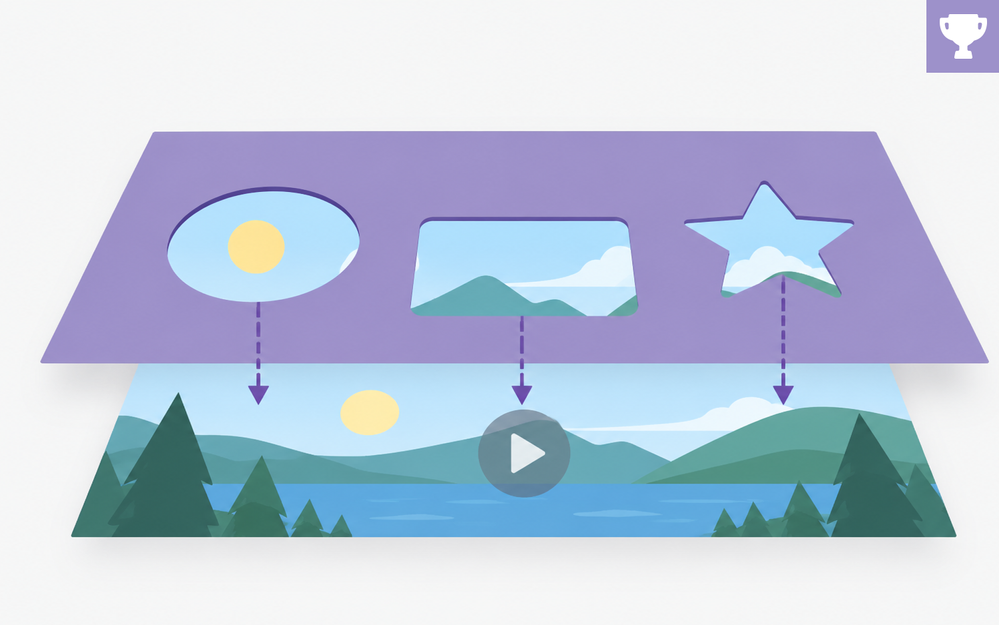

Sometimes the effect you want isn’t built into your authoring tool. That doesn’t mean you can't build it.
Take image masking. Storyline, Rise, and even PowerPoint don’t offer the masking controls you’d find in professional graphics or animation apps. But with a few shapes, a little layering, and some creative use of Merge Shapes, you can get really close.
The trick?
Stop thinking about the image and start thinking about what sits on top of it.
Punch openings into a large background shape, and you’ve got windows that reveal whatever’s underneath: images, video, characters, you name it.
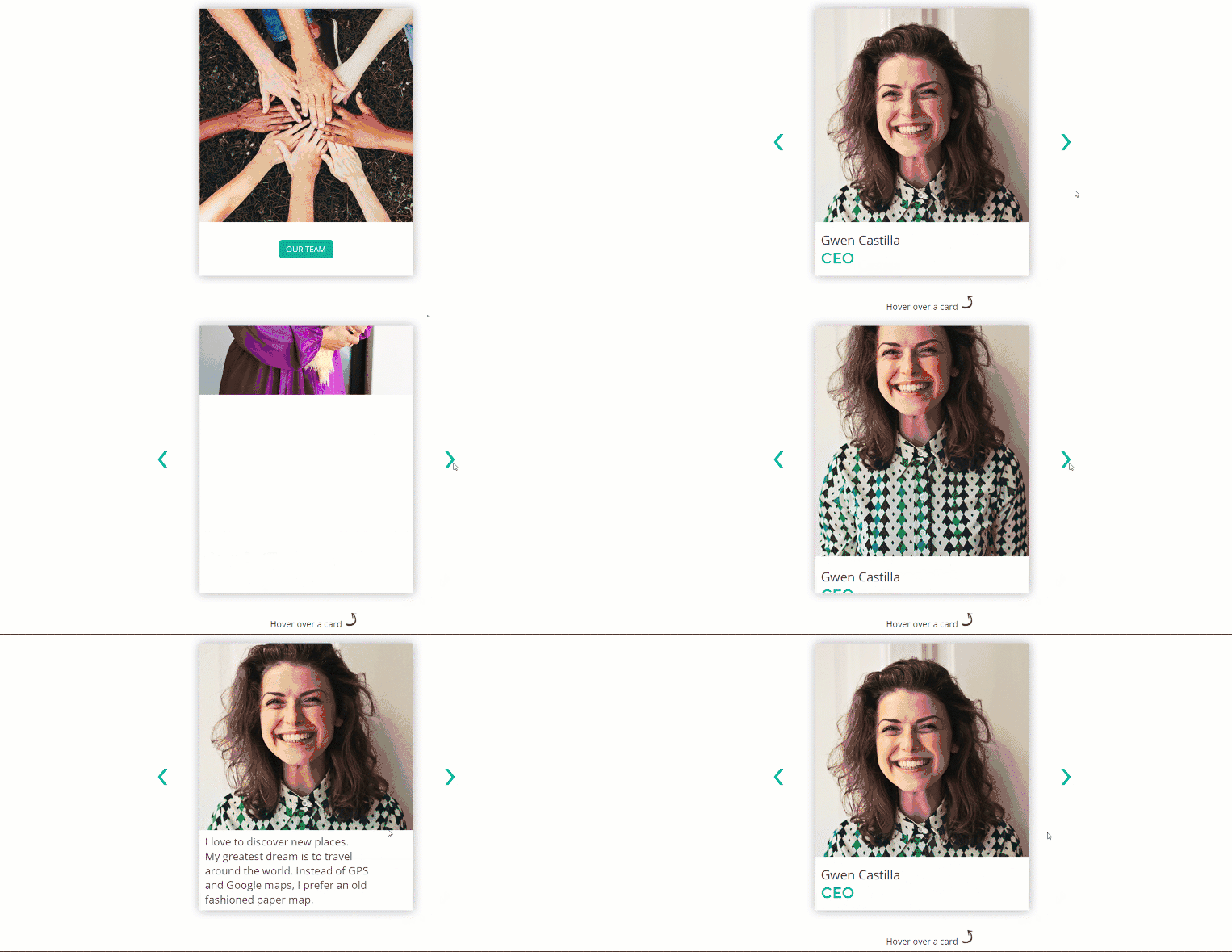
View the project | Download the source | Andrzej Jabłoński
Animate those elements behind the openings, and suddenly you have a masking effect, with no actual mask required.
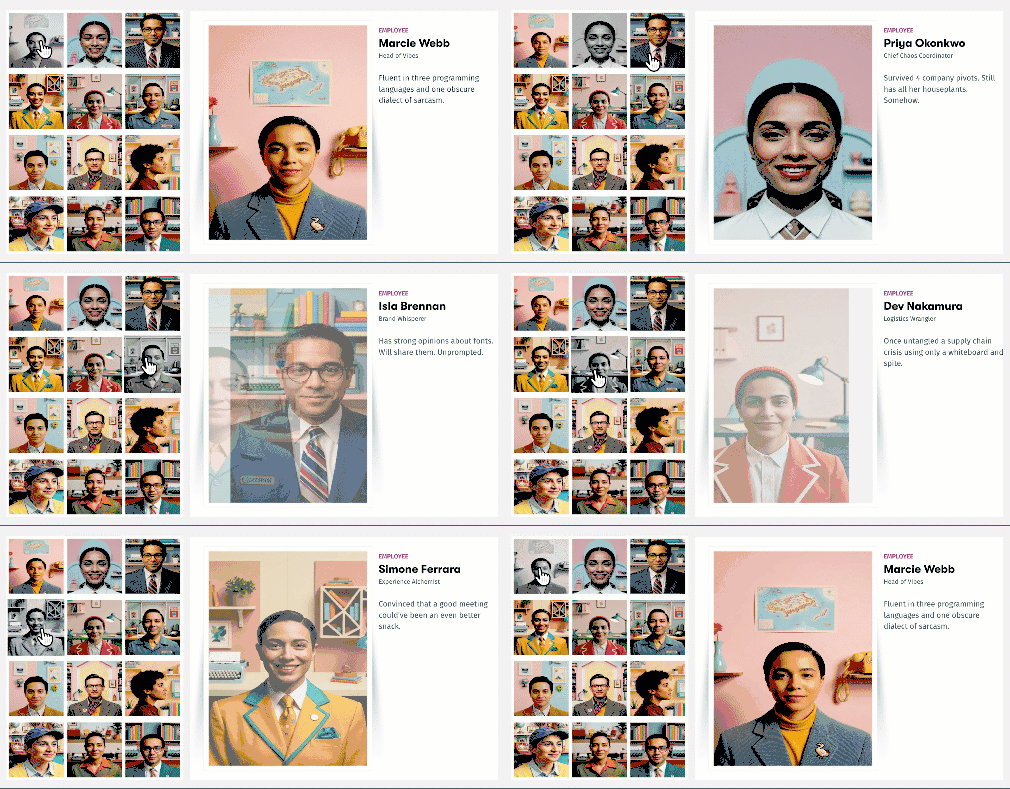
View the project | Download the source | Montse Anderson
🏆 Challenge of the week
This week, your e-learning challenge is to use Merge Shapes to create one or more cutouts that reveal images, graphics, or video underneath.
Try it in a transition, team introduction, menu, gallery, profile interaction, or any other design where content appears through a defined shape.

🚀 Tips for getting started
Jump in at whatever level works best for you:
- Start simple: Place a photo behind a large rectangle, use Merge Shapes to punch out a circle or square, and animate the photo into view behind the opening.
- Level up: Create several cutouts for a team page, gallery, navigation menu, or profile interaction. Experiment with different shapes, entrance animations, and motion paths.
- Challenge mode: Combine multiple cutouts, animated images or video, custom transitions, and layered foreground elements.
🙌 Share Your Work
You put in the effort. Now make sure your work gets seen:
- Personal blog: If you have a blog, write about your example from this week's challenge and share the link with your submission.
- Social media: Share your examples on LinkedIn and mention both David and Articulate using the #ElearningChallenge tag so we can help promote your work.
- Peer feedback: Try leaving helpful feedback on at least three projects this week.
- Community forums: Cross-post in the forums to give your work even more visibility.
🙌 Last Week’s Challenge:
Before you merge your ideas into this week's masking challenge, check out your fellow challengers shared in last week's beer-inspired challenge:
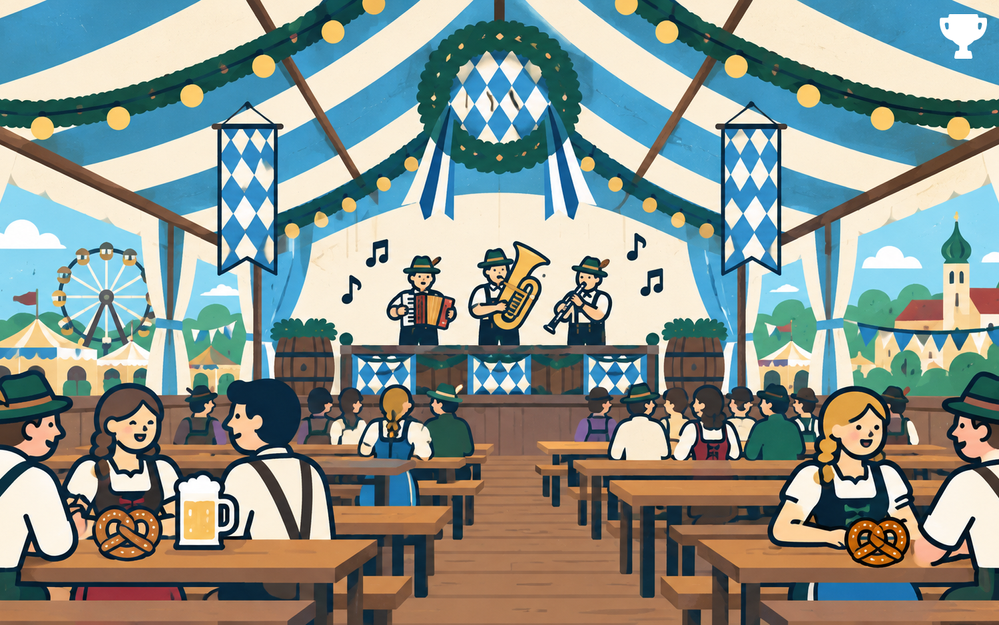
Beer-Inspired E-Learning Interactions #570: Challenge | Recap
👋 New to the E-Learning Challenges?
The weekly e-learning challenges are ongoing opportunities to learn, share, and build your e-learning portfolios. You can jump into any or all of the previous challenges anytime you want. I’ll update the recap posts to include your demos.
Learn more about the challenges in this Q&A post and why and how to participate in this helpful article.
