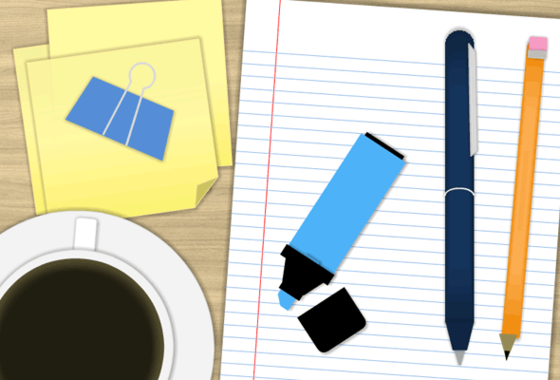
Here's a collection of office-themed graphics created in Storyline 360. You can modify and customize for your own projects.
Explore this template here.
Lala, here's how you can get the wooden background photo:
- Open the OfficeShapes.story file
- Select "View" from the menu in Storyline
- Click on "Slide Master".
- There you will see one of the master slides has the wooden background on it.
You can either
- Yight-click and copy the image, then paste it into your new project, or
- Right-click on the wooden texture image, select "Save as Picture" and then you can save the photo to your desktop.
:) Hope this helps!