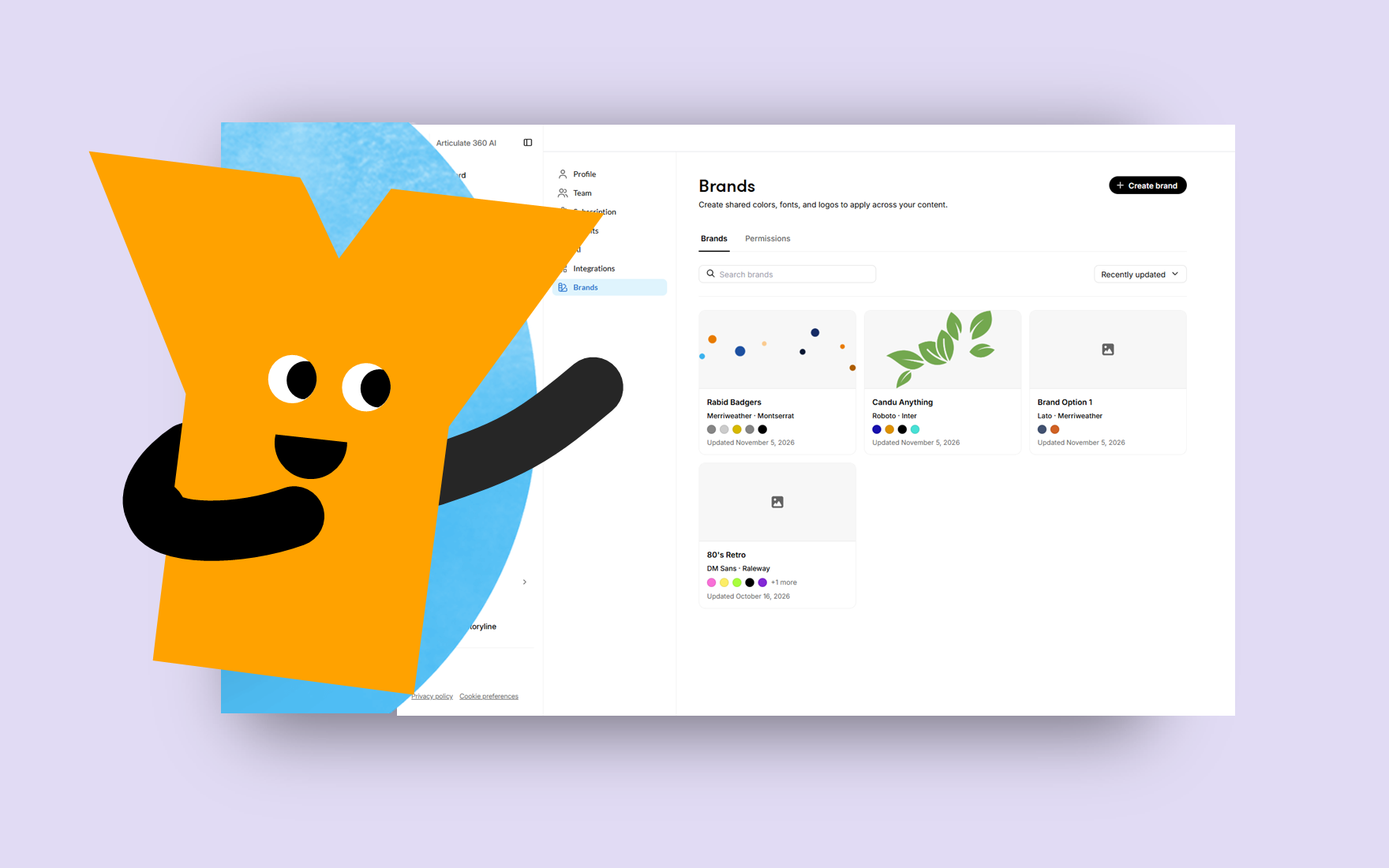
This week's tip comes from RonPrice at Articulate's certified training partner, Yukon Learning.
Adding your company brand to your Rise content creates visual consistency across training content. You can have presets for logos, brand colors, and font families with the Brands feature. When you set a default brand, you ensure that every new project automatically adopts your organization’s design standards, while existing content can be updated quickly by selecting a specific brand.
In this video, Ron will show you how to:
- Manage brands and brand access
- Create a new brand
- Apply a brand to your Rise course
Resources:
Published 6 days ago
Version 1.0
elizabeth
Partner
Joined August 10, 2017

RonPrice
Partner
Joined February 13, 2011
Tips & Tricks Blog
Pro tips for Articulate tools & course design.