Forum Discussion

Continue/Next lesson button does not show after Quiz
Hi everyone, I created my first quiz in Rise. Unfortunately, the "Continue" or "Next lesson" button does not show after completing the quiz - even if all answers are correct. Learners have to manually click on the next chapter in the menu and that is not ideal. I tried all the settings for the quiz, that doesn't help.
Is that a common problem? Any tips? Thank you!
Sorry if anything is not clear, this is my first question here :)
5 Replies
Welcome to the community, Marlene!
You can add a continue button on the quiz results page to help learners know what to do next after they pass the quiz.
Simply select the continue button on the quiz settings page, as shown below. Then, be sure the previous and next buttons are turned on in the course settings.
Finally, preview the entire course (not just the quiz), and you'll see the continue button.- tami2025Community Member
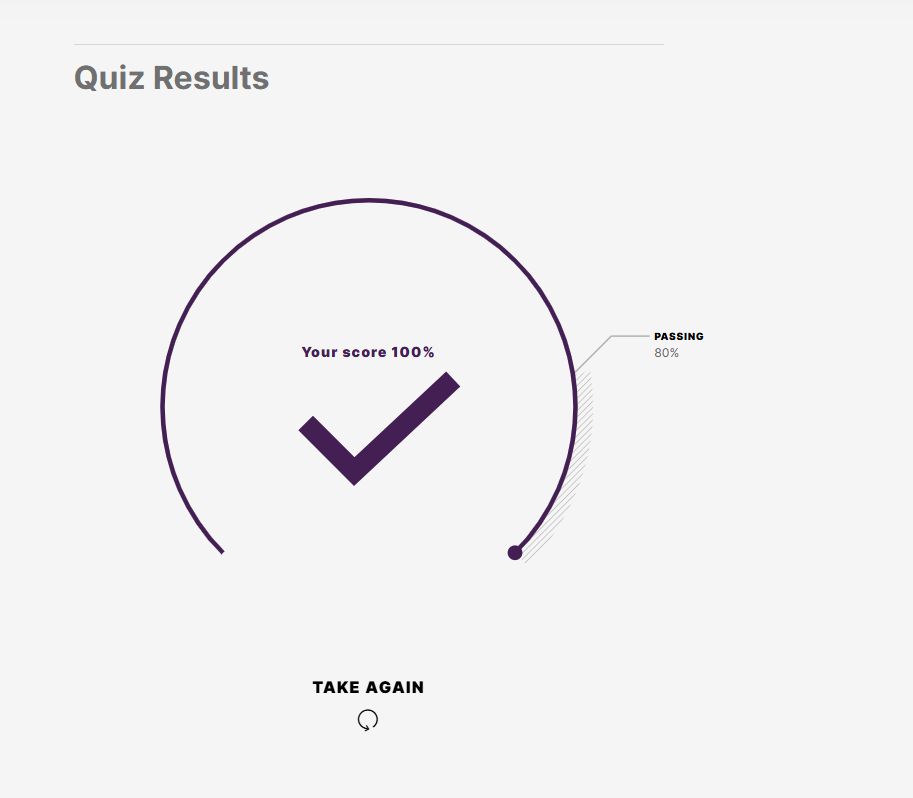
Why does my Quiz show the results, but NOT show the continue button even when selected in Quiz Settings?
- elizabethPartner
Do you have anything after the quiz for them to continue to, like another lesson? I would also try previewing the full course from the main menu screen, not from within the quiz itself, and seeing if the continue button shows up after that.
- tami2025Community Member
Thank you for your ideas, appreciate it. Each block is a quiz, except for the last block, it's an image with text offering congratulations and next steps. I have the continue button on in the last quiz block, but when I successfully complete the quiz, it says complete again at the bottom instead of taking me to the next lessons block




Related Content
- 1 year ago