Forum Discussion

New in Labs: Interactivity in Custom Blocks
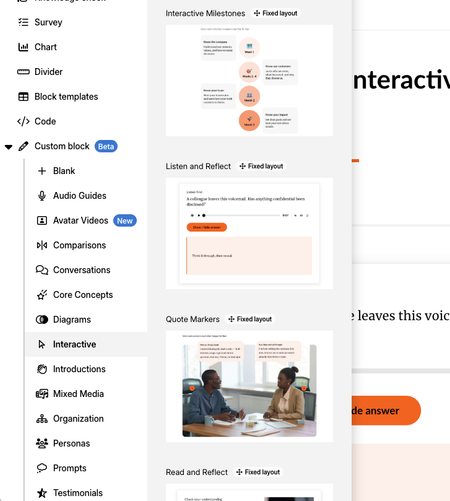

Hello, I am trying to use the interaction to reveal three items when clicked, but the three items I want to reveal are still visible by default. I set up the interaction so when "Advanced" is clicked it will reveal the three items, and then when "Close Button" is clicked it will hide the three items. Is there a way to mark specific items as hidden by default?

Hi KathrynRowe-a9b,
I'm happy to help!
I tested this out, and was able to set Circle 1 as initially hidden. Only once the learner selects Rectangle 1, does Circle 1 become visible.
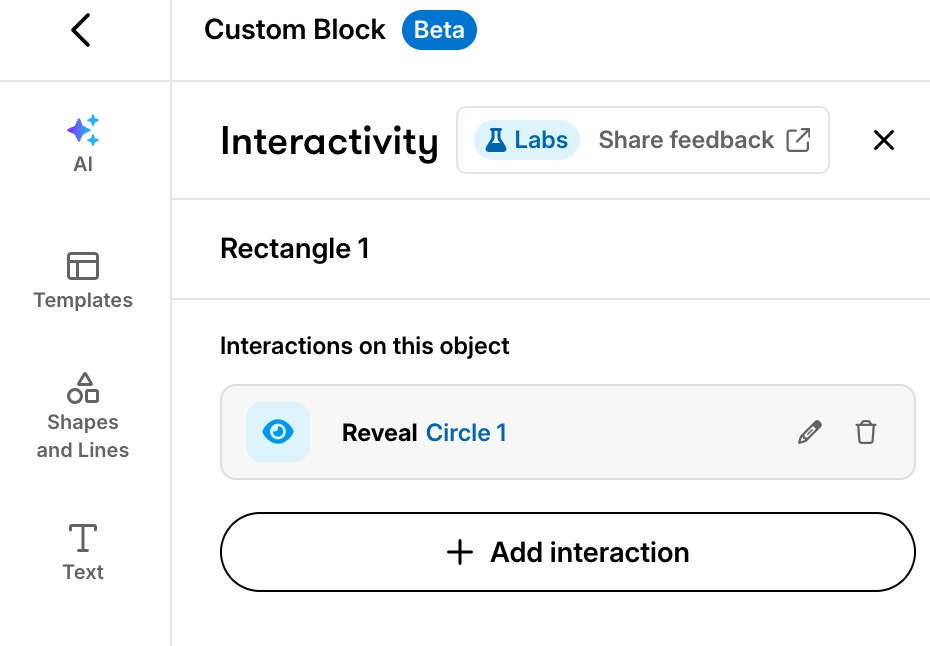
Did you use a template? You'll want to check that there's no existing interactions already set up.
- KathrynRowe-a9b22 days agoCommunity Member
Hi Kelly,
I played around with it a little more. I found that when the Hide interaction is positioned above the Reveal interaction on the Interactivity Tab it works as intended.