Forum Discussion

ClaraKahng
2 months agoStaff
Released: Interactivity in Custom Blocks
Get Started
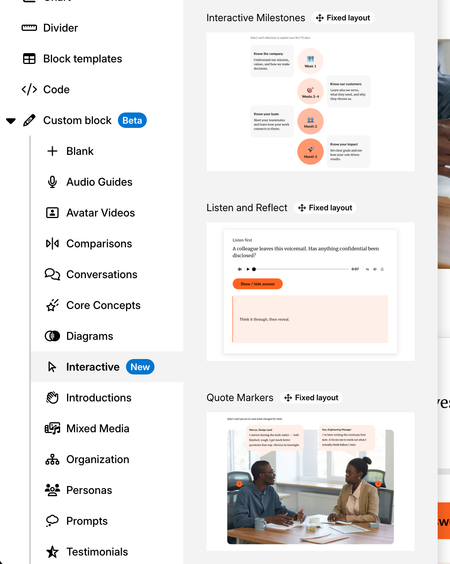
Learner interactions, previously only available via Storyline 360 blocks or code blocks, can now be implemented directly in custom blocks! With the Interactivity in Custom Block lab ena...

KellyAuner
1 month agoStaff
Hi KathrynRowe-a9b,
I'm happy to help!
I tested this out, and was able to set Circle 1 as initially hidden. Only once the learner selects Rectangle 1, does Circle 1 become visible.
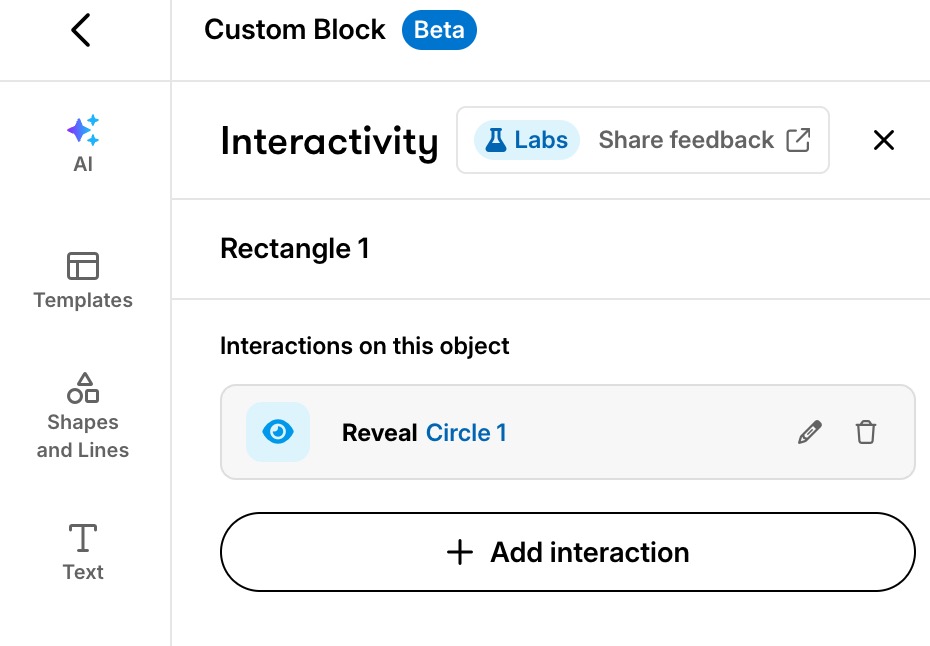
Did you use a template? You'll want to check that there's no existing interactions already set up.

KathrynRowe-a9b
1 month agoCommunity Member
Hi Kelly,
I played around with it a little more. I found that when the Hide interaction is positioned above the Reveal interaction on the Interactivity Tab it works as intended.
Related Content
- 8 months ago
- 2 months ago