Forum Discussion

ClaraKahng
2 months agoStaff
Released: Interactivity in Custom Blocks
Get Started
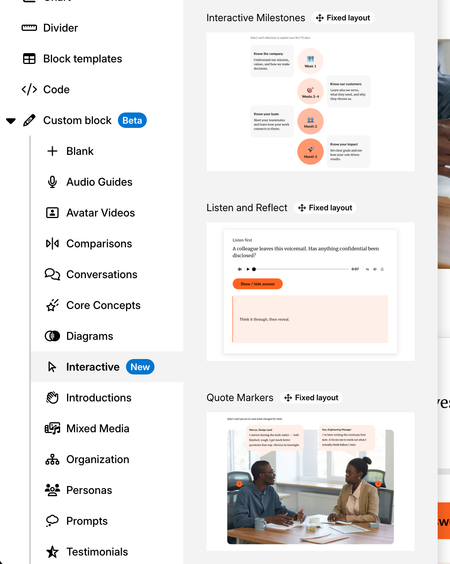
Learner interactions, previously only available via Storyline 360 blocks or code blocks, can now be implemented directly in custom blocks! With the Interactivity in Custom Block lab ena...

PennySpacht
17 days agoCommunity Member
I changed the icons on the Interactive Milestones to an image to match the icons used in the course. However, this reduced the selection area to only the text area. (L1, L2, L3, L4) Can I make the entire circle selectable?
- AmeliaAltstadt17 days agoCommunity Member
I'd just group your image and the circle behind it and use that.
I believe your new icon / image is "blocking" the click area within the circle. Grouping and setting up the logic for when the group is clicked should be an easy solve.- PennySpacht17 days agoCommunity Member
When I grouped them, it broke the interactivity; however, it was a simple fix. I just reconnected them. Thanks for the solution!

Related Content
- 8 months ago
- 2 months ago