ai avatars
8 TopicsCreating Dynamic Scenarios Using AI Audio and Video in Storyline
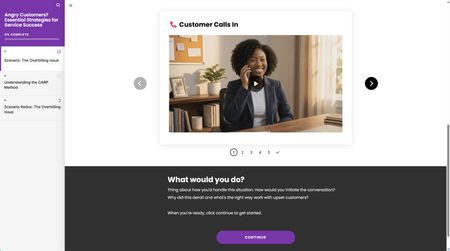
In this excerpt from Quick Tips & Tricks: Episode 129, Mike Enders shows you how to create rich, dynamic AI video and audio within Articulate Storyline. Using a fun superhero setting and comic book style, Mike employs a variety of techniques to bring his scenario to life!100Views4likes0CommentsI Can See You!
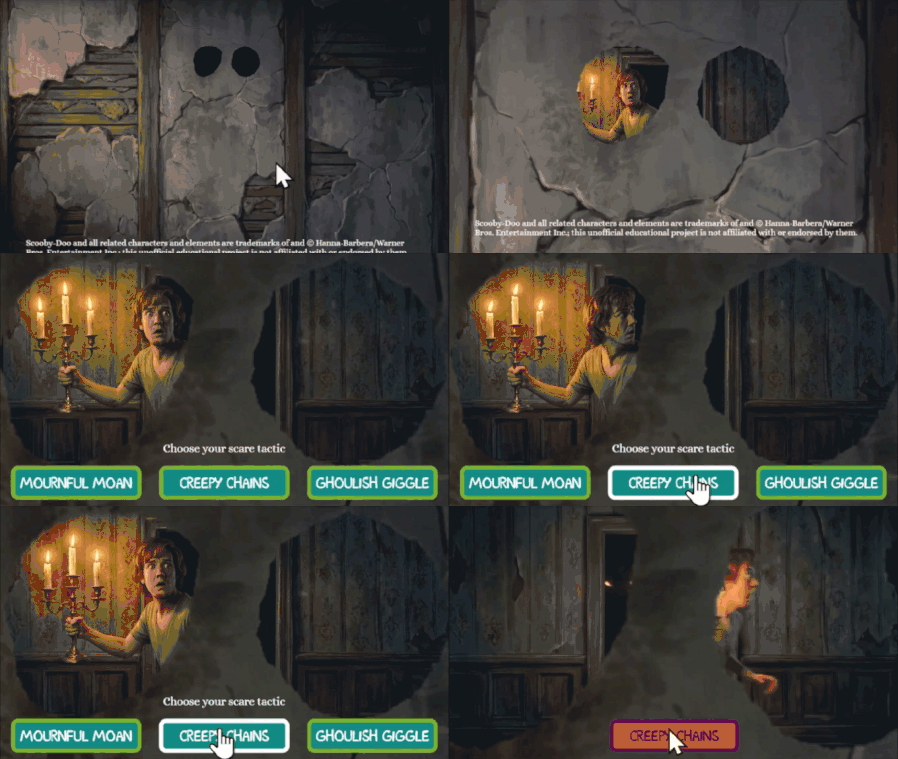
Hello! For this week's challenge, I used a masked shape to create a 'spyhole'. It appears that we are watching the character through the eyes of a portrait on the wall. Fun fact: it's possible to add motion paths and emphasis animations to your mask shape, timed to the events in the video beneath. A combination of shrink, grow, and teeter effects give this a real sense of action. I created most of the videos in Google Flow, but the speaking part at the end was built using Articulate's AI Avatar maker. The new audio tags feature is really impressive. This one's a little early for Halloween, DavidAnderson , sorry-not-sorry. Try it out here: https://bit.ly/elhc571321Views12likes3CommentsAre you sure?
Hello! Personally, I've always found confirmation prompts like "Are you sure?" to be a little ominous and creepy. This week's demo is inspired by the hit horror movie, #Backrooms. This was another chance for me to practice with branching video scenarios, modal screens, and pairing footage created using Rise's new AI avatar feature with environments built in Google Flow. There are seven individual videos, which are shown/hidden depending on your choices. I found the AI text-to-speech in Storyline to be very versatile - the more you go round in circles, the more desperate the protagonist of the story sounds. There are four different routes through the demo. Be warned, two of the routes end in jump scares. You only have a 66% chance of making it through to the 'good' ending on one of the routes. Fancy your chances in the Backrooms? CLICK HERE
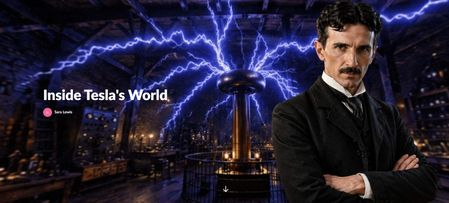
Using AI Avatars to Enhance Immersive Learning - Inside Tesla's World
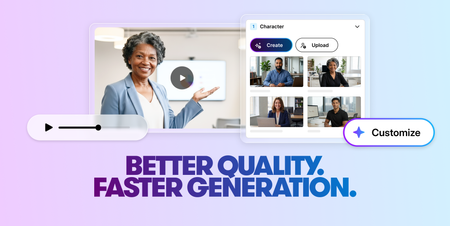
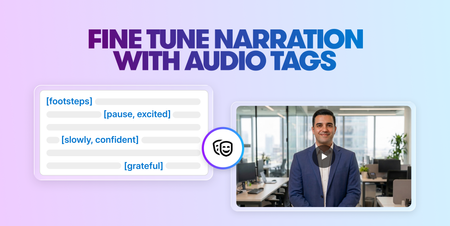
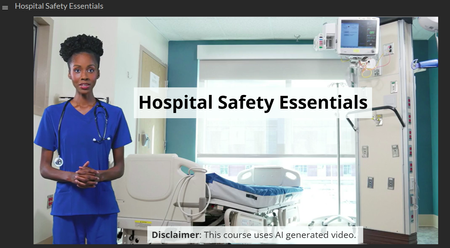
This challenge was an opportunity to explore how AI avatars can be used to enhance engagement within a learning experience, not by over-guiding the learner, but by setting the tone and creating a stronger sense of immersion. Rather than using a traditional narrator or static introduction, I wanted to introduce the experience through a character. To achieve this, I first generated an expressive avatar. This allowed me to create a consistent visual identity that felt aligned with the theme of Tesla and the overall environment. The avatar is used intentionally and sparingly to introduce the experience and reappear at key moments while the learner remains in control of the exploration. This approach helps maintain immersion without overwhelming the experience. The aim was to demonstrate how AI-generated avatars can be used in a simple, practical way within tools like Rise and Storyline Check out what I created in response to this week's challenge by clicking here. to elevate storytelling, create presence, and make digital learning feel more human and engaging.685Views8likes2Comments