buttons
3 TopicsHow to Create Default Buttons and Shapes
This week's tip comes from John_Moore_YL at our certified training partner, Yukon Learning. Did you know that your shapes don't have to be the standard Accent 1 color? And buttons don't have to be the standard neon blue? Setting default shapes and buttons can streamline your workflow and enhance consistency throughout your Storyline courses. In this video, we'll show you how to change your project's default shapes and buttons. We'll show you how to: Add shapes and buttons Change the default fill and outline colors Resources: Yukon Learning YouTube Channel Sign Up for Facilitated Certified Training185Views1like0CommentsAdvanced Storyline? Creative Way to Use Button Sets w/ Quizzes
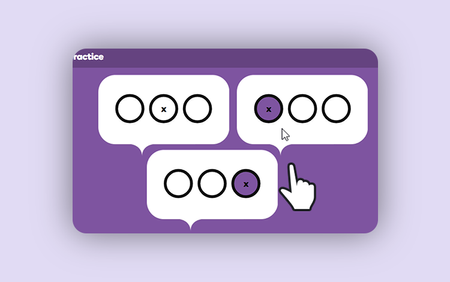
Discover how advanced Articulate Storyline skills aren’t limited to complex variables or JavaScript. In this tutorial, you'll learn a clever technique using button sets in Articulate Storyline 360 to create multiple quiz questions on a single slide.1.1KViews5likes0Comments