freebies
8 TopicsHow to Create Transparent Backgrounds for Characters
I've been giving away some of the AI characters I create. Creating them is easy enough with AI tools and we have lots of instructions on prompting. What I find to be te challenge is getting the image resolution upgraded and then removing the background. This video above walks through how I do it for the characters I've created. The key steps after getting the image: Prompt to get a solid chromakey green background. Upscale the image. I use Gigapixel, but there are some free options. Remove background following steps I outline in the video.1.1KViews0likes0CommentsEdit AI Images Using the Free Microsoft Paint App
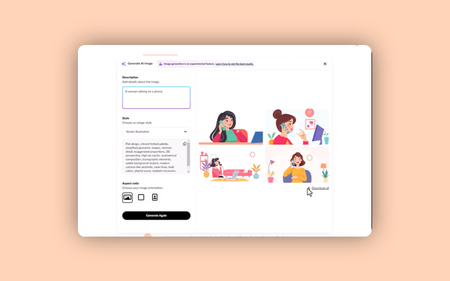
You just created some vector style AI images with Articulate's AI Assistant but you want to make some simple edits. This is easy enough to do using the Media Library feature to make roundtrip edits and it doesn't matter which image editor you use.376Views0likes0CommentsEdit AI Photographic Images Using the Free Microsoft Photos App
You just created some cool AI images with Articulate's AI Assistant but you want to make some simple edits. This is easy enough to do using the Media Library feature to make roundtrip edits and it doesn't matter which image editor you use.216Views0likes0Comments