graphic design
3 TopicsBlurred Backgrounds for Cleaner, More Engaging eLearning
We have developed an eLearning sample using blurred backgrounds to improve readability and enhance learner engagement, all while maintaining a clean and simple design. Have a look at our sample and let us know your feedback. https://www.brilliantteams.com.au/how-blurred-backgrounds-improve-elearning-readability/Challenge #545: Dynamic Blur Effect & Blue Carbon 🍃
Hi everyone! 👋 For this week's challenge on increasing readability with blurred backgrounds, I wanted to combine visual contrast with a mini-lesson on Mangrove ecosystems and "Blue Carbon." Mangroves are beautiful, but their intricate root systems create a very "noisy" background that completely swallows any text. To fix this, I decided to go beyond a static before-and-after slide and make the blur interactive. Behind the Scenes: Instead of using multiple image states or transparent shapes, I used a single high-res image and linked a Storyline slider to a JavaScript trigger. As you drag the slider: JS dynamically increases the CSS filter: blur() property of the background image. A dark overlay dynamically increases its opacity up to 40%. The hidden information blocks smoothly fade in. This approach keeps the file incredibly lightweight and makes the transition buttery smooth! Dynamic Blur Effect & Blue Carbon 🍃 I'd love to hear your thoughts!Learn How Blurred Backgrounds Enhance eLearning Design
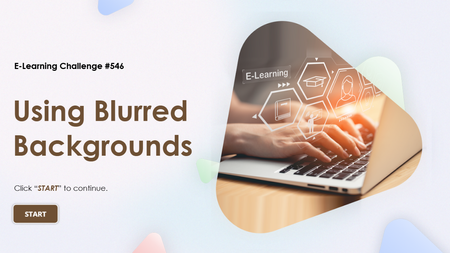
We created a quick sample to show how blurred backgrounds can transform slide readability in eLearning. Small change, big impact on learner focus. Check it out and let me know your thoughts. https://www.swiftelearningservices.com/how-blurred-backgrounds-improve-elearning-readability-546/