morph
1 TopicHow to Make an Animated Toggle in Storyline
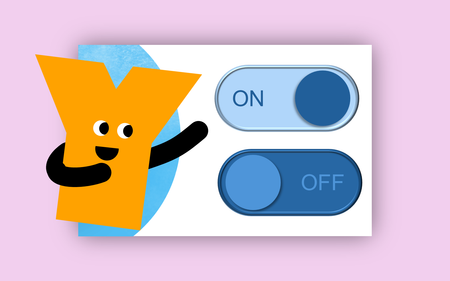
This week's tip comes from elizabeth (that's me!) at our certified training partner, Yukon Learning. A or B? This or that? Option 1 or Option 2? A toggle is a great way to flip back and forth and compare two items. And while there are a bunch of ways you could create an animated toggle button, this method is probably the easiest. I love to figure out different ways to use the morph slide transition and the simple, seamless animation that it provides. In this video, I'll show you how to use it to build an animated button -- no motion paths required. You only need one trigger and the morph transition to make this work. You'll learn how to: Build the toggle button Duplicate a slide Add a trigger Add a slide transition to create animation To see this project in action, you can download the Storyline source file below. Resources: Yukon Learning YouTube Channel Sign Up for Facilitated Certified Training61Views0likes0Comments