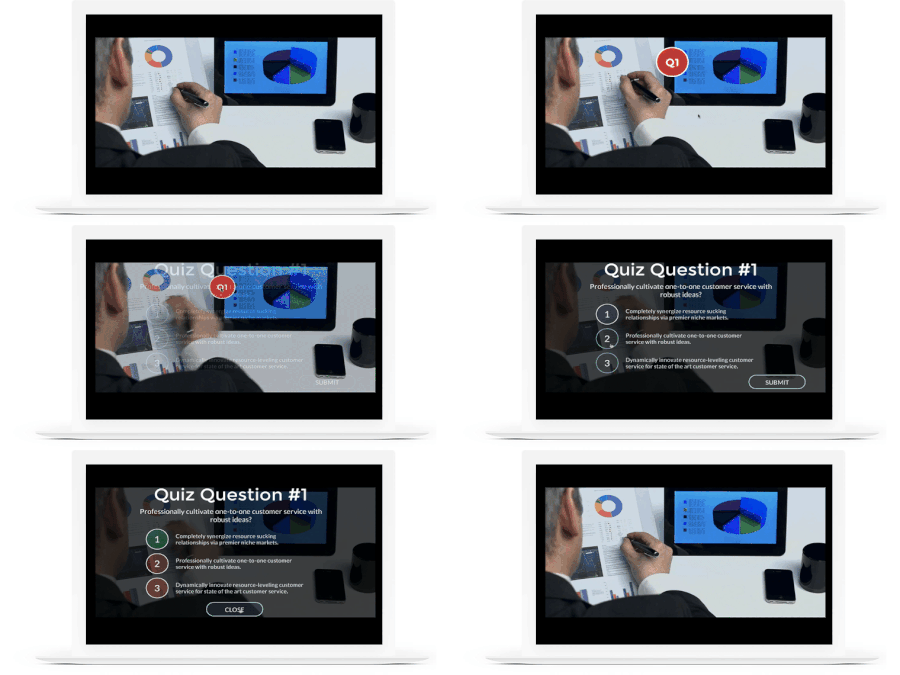
Really useful breakdown. The tips about controlling the playhead and using cue points hit home, especially for anyone who’s struggled to sync buttons with specific moments in a video. Overlaying hotspots to avoid accidental clicks is one of those small details that makes a big difference in learner experience.
What I like most is how this approach keeps learners engaged without forcing interaction. That balance is tricky, but when done right, it feels natural. I’ve seen a similar idea work well outside e-learning too. For example, tools like a joystick checker rely on short, clear interaction moments to help users understand what’s happening in real time without overwhelming them. Different use case, same principle: guide the user at the right moment, then get out of the way.
Looking forward to the next templates you share. This kind of practical, experience-based guidance is gold for anyone building interactive content.