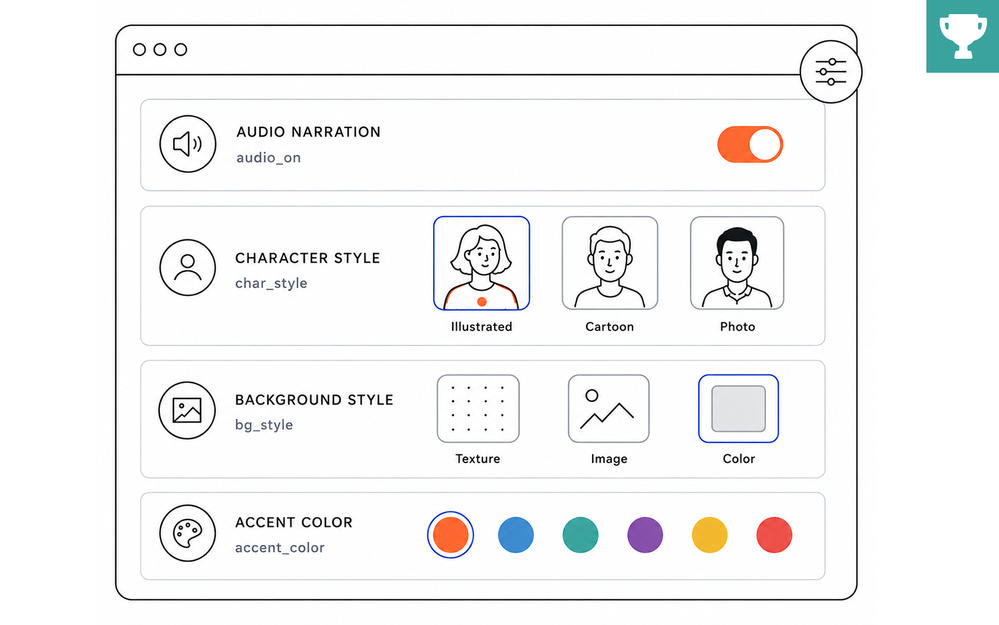

Most e-learning designers learn the basics and build their skills based on project needs and goals.
Buttons before triggers. Triggers before conditions. Slides before states. Variables tend to show up later. Usually around the time you find yourself asking, “How do I make this course feel like it was built for the learner?”
But here’s the thing: making your course feel personal doesn’t mean you need to learn advanced JavaScript.
Sometimes it’s as simple as letting learners pick an avatar, set a preference, or see their own name pop up in the course.
Those small touches can make the course feel a little more personal and not just another course to click through.
🏆 Challenge of the Week
This week, your e-learning challenge is to use variables in Storyline 360 to create a more personalized experience for your learners.
Variables are one of the easiest ways to make a course feel more relevant and responsive. They let you adapt content based on learner input, decisions, and progress. Whether you’re displaying a learner’s name, tracking choices, or customizing feedback, variables help create an experience that feels a little more personal.
🚀 Tips for Getting Started
Here are some ways to approach this week’s challenge:
- Start simple: Add a text-entry field to capture the learner’s name, and show it throughout the course in slide text, feedback layers, or on a results screen.
- Level up: Use true/false variables to toggle audio narration on or off, choose a custom character, or pick a custom background theme.
- Challenge mode: Combine multiple variable types for even more options. For example, let learners enter their name, choose an avatar, and set preferences that carry throughout the course.
✨ Share Your E-Learning Work
You put in the effort, now make sure your work gets seen:
- Blog it: Post your example in the recap hub and tell us how you tackled the challenge. With the new submission format, you can comment directly on each example. Try leaving helpful feedback on at least three projects this week.
- Share it: Please share your examples on LinkedIn and mention both David & Articulate using the #ElearningChallenge tags so we can help promote your work.
- Discuss it: Feel free to cross-post in the forums to give your work even more visibility.
🙌 Last Week’s Challenge:
If you’re still deciding whether to join this week’s challenge, last week’s examples might help you answer, “Are you sure?”
Asking Learners, “Are You Sure?” in E-Learning #555: Challenge | Recap
👋 New to the E-Learning Challenges?
The weekly e-learning challenges are ongoing opportunities to learn, share, and build your e-learning portfolios. You can jump into any or all of the previous challenges anytime you want. I’ll update the recap posts to include your demos.
Learn more about the challenges in this Q&A post and why and how to participate in this helpful article.
