Blog Post

Rise Resources
1 MIN READ

Rise 360: Space Travel–Themed Interactive Infographic

AllisonLaMotte's avatar
8 years ago

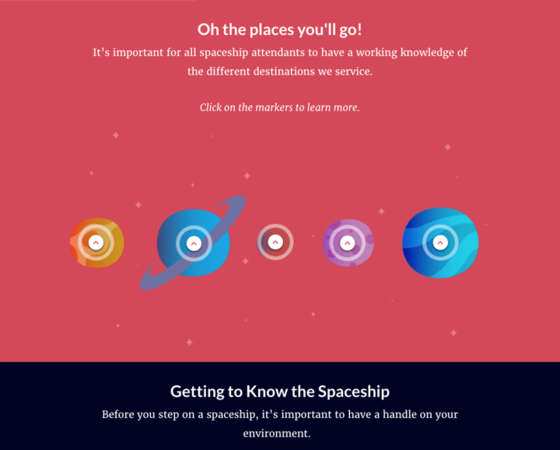
I’ve been wanting to create an interactive infographic for awhile, but wasn’t sure where to start. Then it came to me: what if I used Rise 360 and integrated some Storyline blocks? And that’s how this space travel-themed example was born.

The gifs, labeled graphics, and Storyline interactions really make this infographic come to life.

I hope this example inspires you to create your own interactive infographics with Rise 360 and Storyline!

Like this course? Click here to send a copy of this course to your Rise 360 dashboard. If you don’t have access to Rise 360, sign up for a free, 30-day trial of Articulate 360.


Published 8 years ago
Version 1.0

129 Comments

Comments have been turned off for this post
  • Ed6Developer6's avatar
    Ed6Developer6
    Community Member
    2 questions:
    1) Were the majority of the interactive blocks made in storyline? Every time i embed a storyline block, there's a gray background and a lot of padding that make it hard to look seamless.
    2) How do you create a launch page that doesn't show the lesson titles?
    • AllisonLaMotte's avatar
      AllisonLaMotte
      Staff
      Hi Ed!
      Here are my answers to your questions:
      1. The drag & drop, the sliders, and the last interaction were the only ones created in Storyline. To make the Storyline blocks as seamless as possible, I chose the light modern player for the blocks with a white background and the dark modern player for the blocks with a dark background.
      2. To get a launch page without the lesson titles I turned off the sidebar in the course settings.
    • CatherynneMatta's avatar
      CatherynneMatta
      Community Member
      I commented below on (1) although I included a link which has flagged the comment... hopefully that will get released soon, else I'll repost sans link.

      For (2), check Allison's URL - you'll see that it's going straight to the /lessons/ rather than the URL you get when you click Share in Rise. You can do the same - get your share link, stick it in a browser tab and click Start Course like you normally would. Now look at the URL - see how it's changed? Use that as your shared link instead, which will bypass your topics page nicely. Only caveat is - I haven't tested using a 'lessons' link as the link you'd give to others (instead of the usual Rise Share link), or if you set restrictions on your link.
  • This was a fantastic example! Thank you for sharing. I struggled to see which sections were storyline vs. rise because of all the animated gifs. Excellent work!
  • Allison, I love this! I'm totally ready for a career change to become a spaceship attendant :). I was into every part of this course. The visuals, interactions, and fun content were out of this world! :)
  • This is marvellous Allison. I am situated in Cape Town, South Africa and I am thrilled to have found this interactive infographic. I am hoping to learn more about articulate and rise so that I can learn some of your skills. Thank you
  • I really liked the interactive exercises and the GIFS make a difference in helping the content to come alive. I was really engaged. The slider was also interesting and I definitely want to play around with that some more.

    Thanks for sending this out!
  • jeff's avatar
    jeff
    Community Member
    That's one pro example! I agree the animated gifs make all the difference.
  • Great job! I really enjoyed the interactions, the flip cards. Really engaging.