Blog Post

Storyline Templates
1 MIN READ

Storyline: Calculator

DavidCharney1's avatar
DavidCharney1
Community Member
10 years ago

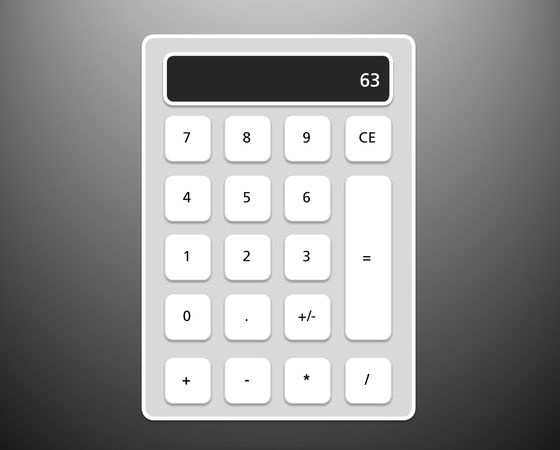
This project features an elegant fully-functional calculator created in Storyline. Grab the download to see how it’s built—and put it to use yourself.  

Explore this project 

Published 10 years ago
Version 1.0

29 Comments

  • I managed to change the display and avoid showing zero when clicking another number after the operation. Very simple! just put a text box with the references of the CurrentNum and StandbyNum variables. You create the States: currentnum-standbynum-currentnum. Triggers to change states and display them and
    the calculator screen would be after inputting the first number and clicking the operation button (+, -, /, *) and then after clicking the button (=)
    • JerryPitts's avatar
      JerryPitts
      Community Member
      Could you share a link to this calculator?
  • Thanks for posting this! If we use this in a project for our companies or our clients, do we need to credit you?