Example
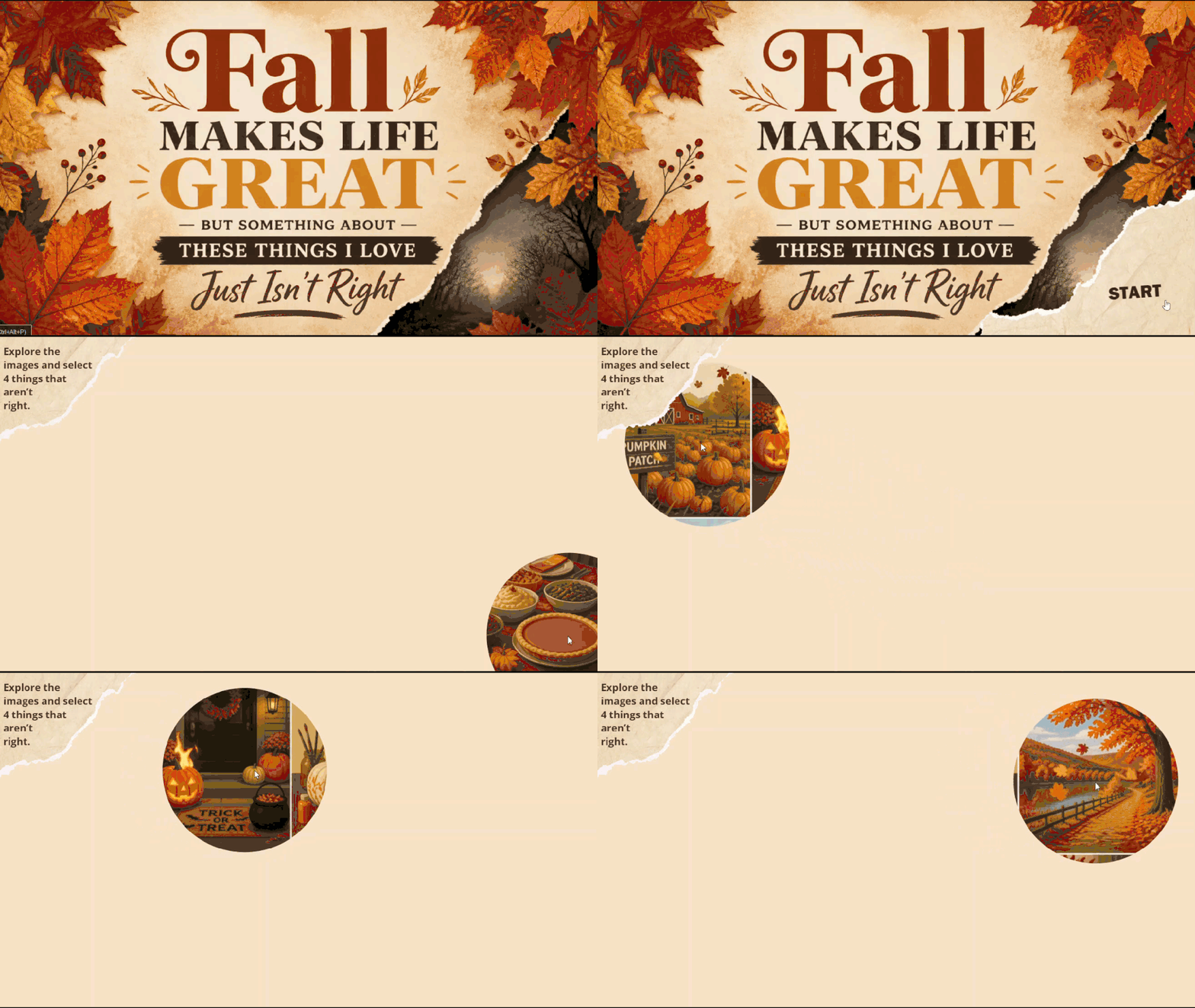
Fall Makes Life Great #571 Animated Masking Effects
Check it out here:
https://360.articulate.com/review/content/1fee2569-55ed-4a0d-9331-6732be1eb618/review
I’m not entirely sure how I got all of this to work, but I thought I’d share my process in case anyone is curious!
Here’s how I put it together:
1. Created the artwork: I used Canva to generate an image featuring some of my favorite things about fall. I went back to Canva later to make the title page as well.
2. Added movement: I uploaded the image of the things I love to ElevenLabs and used its video effects to bring the scenes to life.
3. Made it interactive in Storyline: This part took some experimenting. I created an oversized rectangle with a small circle in the center, then used the Merge Shapes > Reveal feature to show what is underneath. I used the AI assistant to help me write a JavaScript command that makes the center of the merged shape follow the mouse. Somehow, it worked! 😂
4. Added the finishing touches: I layered in a few shapes, sound effects, and background music (also generated in ElevenLabs). I placed the video underneath everything and set it to loop so the six-second clip repeats seamlessly.
The “game” portion came together pretty organically since my AI-generated image and video had a few unexpected elements. I ended up working with those quirks rather than trying to make everything perfect, and I’m pretty happy with how it turned out!
I’m sure there is probably an easier way to make the reveal effect follow the mouse, so if anyone has tips or has tried something similar, I’d love to hear it!
Getting Started with the E-Learning Challenges
Find practical answers to common questions about the E-Learning Challenges, a weekly event that helps you build skills, create your portfolio, and grow as an e-learning professional.