Example

SMcNicol
6 months agoCommunity Member
Before and After
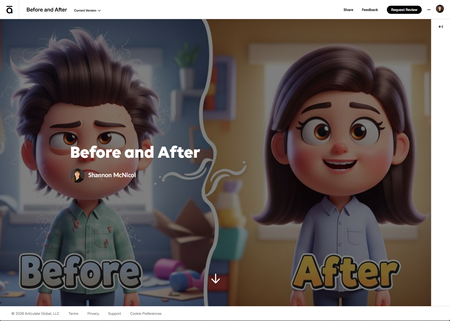
Want to see the difference a blurred background makes? Drag the slider to compare — the result speaks for itself! Built with Claude AI and a Rise 360 Code Block.
Before and After

SMcNicol
6 months agoCommunity Member
Yes, I used Vibe Coding in Claude and uploaded the before and after images. I then copied the code into a Rise 360 Code Block.
In my prompt, I asked Claude to create a “Before and After” slider interaction where learners can drag a slider to compare two images. The “Before” view shows a non-blurred background with text, and the “After” view shows the same image with a blurred background and text. I also told Claude this was for a Rise 360 code block.
- JodiSansone6 months agoCommunity Member
Thank you for explaining how you made it.



Getting Started with the E-Learning Challenges
Find practical answers to common questions about the E-Learning Challenges, a weekly event that helps you build skills, create your portfolio, and grow as an e-learning professional.