Forum Discussion

PedroMendez
2 years agoCommunity Member
Button states at Master Slide levels
Hi community,
I have been trying for a while to make button states work correctly when using then at master slide level. The issue is that sates are not fully working for me. E.g. the selected s...

JudyNollet
2 years agoSuper Hero
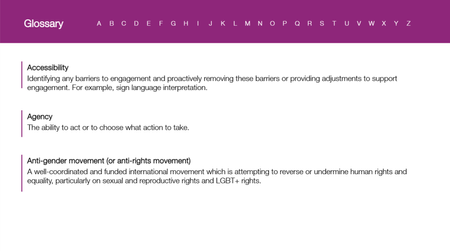
Here's another option: Put the entire glossary on one slide, with a layer for each letter's definitions.
That would let you keep the same design. The button set would be on the base, so the clicked letter would show as Selected. And the slide would be easy to maintain.
Related Content
- 1 year ago