Forum Discussion

Can't Change Modern to Classic Player in Storyline
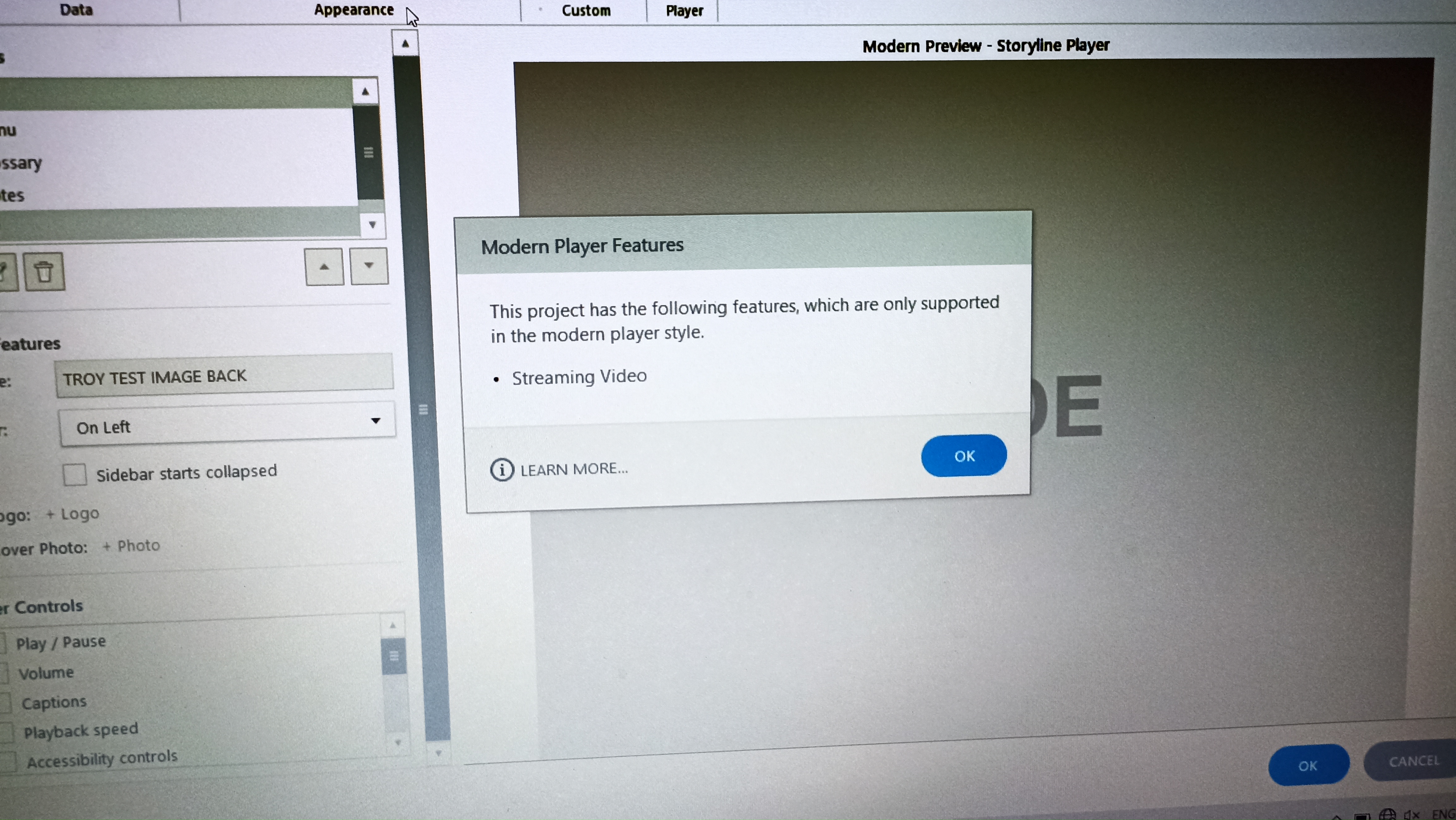

I dont have the option to select choose Static in the Publish Quality window

Hi RalphPiper,
Good question, and I can see how that would be confusing.
The option to switch from Adaptive to Static is tied to video publish settings, so if you’re not seeing the Static option at all, it usually means something in the project is keeping it in Adaptive (streaming) mode.
This can happen if there’s video in the project using adaptive playback, or if media from imported slides is carrying over those settings. As long as Adaptive is in use, the Classic player won’t be available.
It may help to review your video settings, as well as any inserted or imported media, to see what might be enforcing Adaptive mode.
If you’re not sure what’s causing it, feel free to share your Storyline file here or privately in a support case, and we can take a closer look with you.
Happy to help!
Related Content
- 5 months ago