Forum Discussion

feedback master button states not being inherited by feedback layers
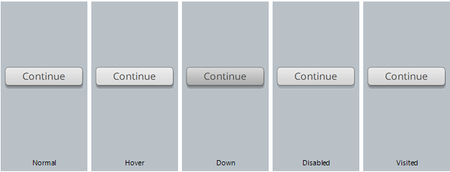

I have the latest version (3.85.31840.0) and this is still a problem. I used the screen recording and try it mode, and I wonder if that is why the issue still persists in this situation? Including a screen recording for reference of the issue. In the video, you will see that I deleted all other feedback masters, and the buttons are messed up. In the feedback master, they display correctly and states are largely the same. However, when viewing, the "try again" layer button has a different color font and both that and the "correct" layer have a different sized button. When manually selecting the text to try to change it (which I'd have to do on every slide, defeating the purpose of the master) it looks glitchy and the words jump to a new location.
- NicoleDuclos-cb2 years agoCommunity Member
Yep - this still happens to me as well.

Related Content
- 1 month ago
- 2 years ago
- 8 months ago
- 8 months ago