Forum Discussion

feedback master button states not being inherited by feedback layers
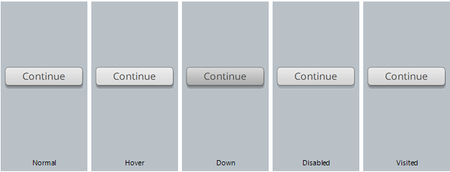

I am using Storyline 360 and am finding that text styles set in the Feedback Master are not propagating to the feedback layers in actual question slides. Feedback layers just have a default font for all text elements and don't reflect the text styles set in the Feedback Master. Is this still an outstanding issue or supposed to be fixed at this point?

Hi DLearning!
Sorry to hear you've run into this setback, working with the Feedback Master in Storyline!
Just to confirm, are you experiencing this issue specifically with the font styles set for Button States from the Feedback Master? If so, I can confirm we are still tracking the Storyline bug which causes this behavior. However, if you are not seeing changes made to the Feedback Title/Feedback Text, reflected on the slide level, do you mind sharing a copy of your .story file so we can have a closer look? Feel free to upload that here in the discussion or privately through a support case.
Looking forward to hearing from you!
- DLearning1 year agoCommunity Member
Hi Steven, the issue is with *all* text in the Feedback Master: Feedback Title, Feedback Text, Button Text. All text styles set in the Feedback Master do not reflect in slides' Feedback Layers themselves: all text elements in slides' Feedback Layers show they have the "Normal Text" text style applied.
I just submitted a support ticket with my .story file attached.
- JoseTansengco1 year agoStaff
Hello DLearning,
It looks like you meant to attach a project file, but we don't see one in your response. Feel free to edit your response and upload it!
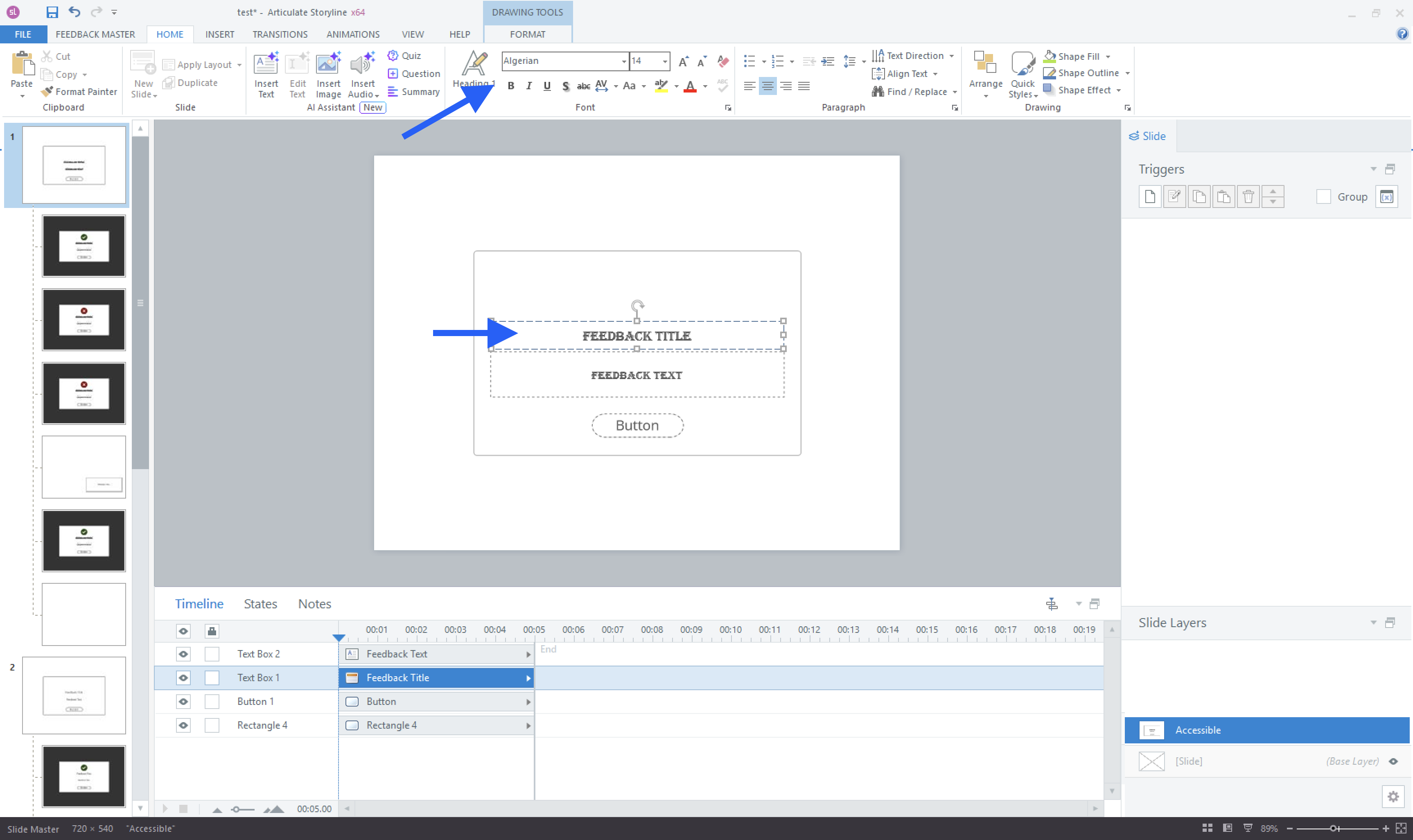
The correct way to change the text formatting is to click the text boxes in the feedback master and then apply the text styles. In this example, I changed the font to Algerian.
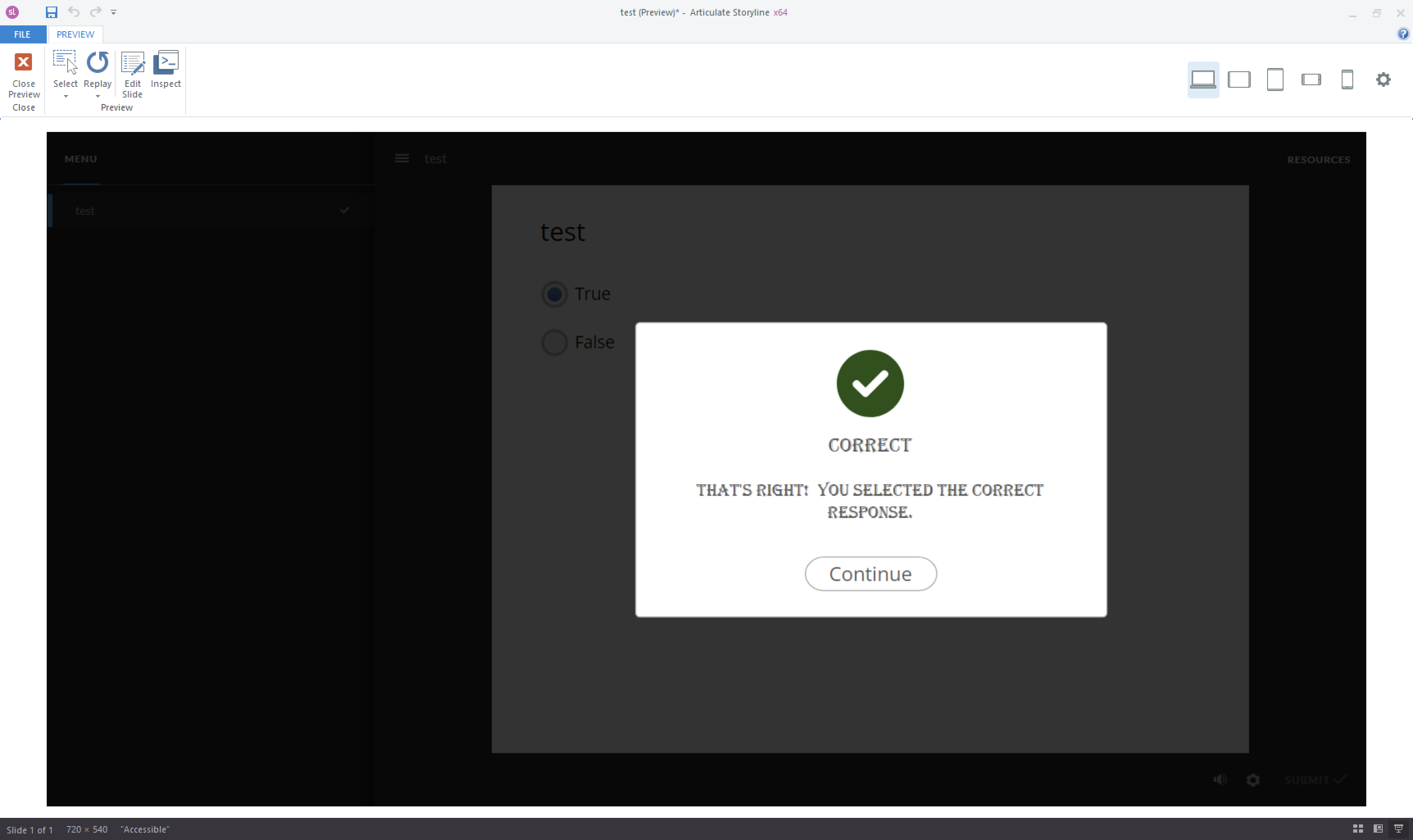
When you insert a question slide and answer it to check the feedback, you'll notice that the feedback layer has inherited the font from the feedback master.
Besides the font, can you please share what other text styles you are applying to your feedback masters so we can check if they are being applied correctly?
- DLearning1 year agoCommunity Member
Hello JoseTansengco ,
I'm referring to the actual Text Styles that you can pre-define and apply to text elements in the Feedback Master, not the font selection dropdown.
The .story file was attached to the ticket I submitted last Thursday - it is a private file. Are you able to reference it?

Related Content
- 1 month ago
- 2 years ago
- 8 months ago
- 8 months ago