Forum Discussion

Formatting Issue with "Tabs" Element after Docebo Upload
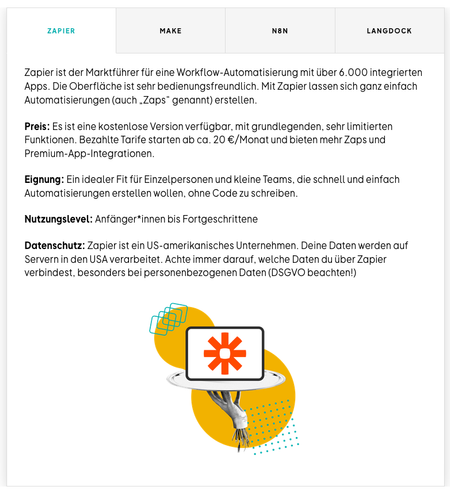

Hi Lenasue! Thank you for the update! Have you copied and pasted this text from somewhere? I'd also be interested to know if this happens in all other tabs in that specific interaction.
Hi again and sorry for the delayed answer.
Yes, the text has been copied and pasted from Google Docs into Rise. But the shortcut command + shift + V was used, so formatting should'nt be pasted. My colleague also said that she erased and inserted the breaks some times inside Rise but nothing changed. And yes, this problem also applies to the other tabs in this element.
I hope this helps!
- StevenBenassi7 months agoStaff
Hi Lenasue!
Glad to see Lauren has been helping you!
Thanks for following up and sharing the additional details. I can confirm we have this behavior logged as a bug in Rise 360. This bug causes:
- Text copied from a Google document retains it's original formatting, instead of inheriting the text format of the Rise 360 course.
I've linked this discussion to the bug report so we can notify you as soon as a fix is ready. Thank you for your patience. I'm sorry if this has been slowing you down!
- Lenasue5 months agoCommunity Member
Hi StevenBenassi
thanks for this information!
Is there any Update? I haven't received any notification from the bug report.
Thanks
Lena- LaurenDuvall5 months agoStaff
Hi Lenasue! Thanks for checking in! Right now, our team is focused on other Rise 360 fixes, so we haven’t started work on this one just yet. When it moves up the priority list, we’ll make sure to share an update here. Appreciate your patience!

Related Content
- 11 months ago
- 5 months ago
- 7 months ago