Forum Discussion

FREEBIE: Interactive glossary for Storyline
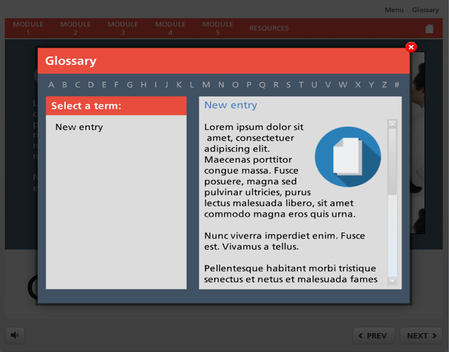

Just thought I'd add that I took your template a step further, Jeff, and fixed a problem I encountered.
The glossary we use in my company is quite a large one and I was very quickly coming up against a problem with the "Select a Term" area. When the number of terms overflowed the space given, I used the scrolling text function but then this rendered the hotspots useless as they wouldn't scroll with the text.
The blindingly obvious solution, after racking my brains for an hour or two, was to use the hyperlink function on the text of each term. This way, I can put as many terms in that area, using the scrolling function where necessary, and then simply highlight each term, right click and select 'Hyperlink...' and then change the trigger action from 'Jump to URL' to 'Show Layer'.
Works a treat!
I also added a marker on each slide to show which letter is currently selected.
Once I've got the project finished, I'll try and post an unbranded version for you to try.
Thanks again for the excellent source material and inspiration :-)
Awesome Rob, would love to see the result!