Forum Discussion

Hover button
- 3 months ago
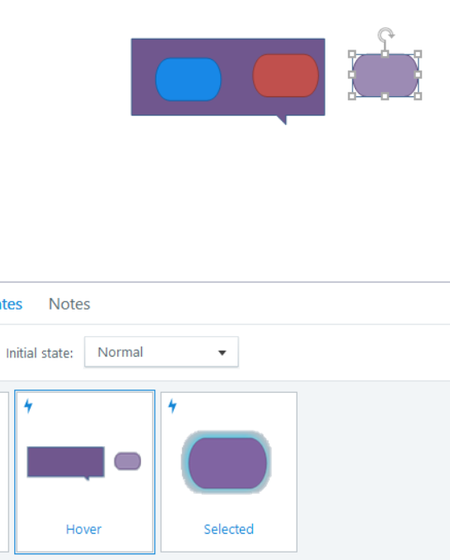
If you really need to achieve this, you could work around it with JavaScript by temporarily raising the caption’s position using z-index when the button is hovered, then restoring the original z-index once the button returns to its normal state (attached).
That said, there are many reasons why this approach may create more problems than benefits, as JudyNollet and PhilMayor pointed out in their comments, and their reasoning makes perfect sense. If you are not comfortable with JavaScript, or you are not familiar with modifying code, working with z-index, and managing element stacking behavior, I would not recommend this solution. In that case, it would be much better to place each caption on separate layers, as suggested by Phil and Judy.


It sounds like the issue may be related to the stacking order or the caption being inside a container with its own layering context. I’d check whether the caption and buttons are using different layers or groups, and make sure the caption has a higher z-order than the buttons.
Also check for any parent object or container with clipping/overflow settings that could prevent the caption from appearing above neighboring elements. If you can share a screenshot or a small example of the setup, it would be easier to identify the exact cause.
Related Content
- 1 year ago
- 8 months ago