Forum Discussion
How can I set a button that stops my timer when I click on it ?
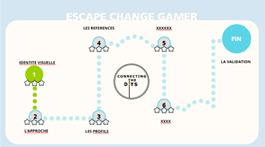
I Added a couple of triggers to the Master layout, and changed the one on the cartographie slide that sets the state of the stars.
Just for fun, I changed the Master layout of the Untitled slide so the timer can be restarted.
- MyriamLebbak8133 years agoCommunity Member
Thank you so much, it works perfectly !
I noticed that my timer stops when I open one my layers, how can I make sure it doesn't freeze when I do that? I've tried to change the layers propreties by unchecking the box "Hide other layers", the timer seems to work but now everytime i move my mouse the layer disappears.
- JoseTansengco3 years agoStaff
Hello Myriam,
You can uncheck the 'Pause timeline of base layer' option show here to prevent the time from stopping when a layer is opened.
You can learn more about slide layer properties by checking out this article.
Hope this helps!
- MyriamLebbak8133 years agoCommunity Member
hello, the timer is still not working :(
Related Content
- 5 months ago
- 2 months ago
- 2 months ago
- 11 months ago