Forum Discussion

Problem With "Image as Background" Option [Microlearning]


- 2 years ago
Hello everyone, 🎉
I'm happy to let you know we released a new update for Rise 360. This update fixes the issue you encountered where the background color of text blocks spills over interactive blocks with an image background. There's nothing to install for web apps. New features and fixes are immediately available, though you might need to export your Rise 360 course again.
Let me know if you have any questions about this update or the issue you reported!

I'm currently having this same issue. I have an image set as a background in a text block. No matter the size of the image, it shows up fine in edit but in preview and review extraspacing is added.
I tried to add spacers around the blocks to address the issue (a workaround I've seen) but no luck.
This is currently happening to a regular text clock, accordion, quote block, and custom block.

Hello thekimpeterson,
Thanks for sharing the screenshots and the additional details. I'm sorry to hear you're running into this, especially since it appears correctly in Edit mode but changes in Preview and Review 360.
I tested this on my end in a new Microlearning by adding a Text block with an image background and an Accordion block below it using the default padding settings. In my testing, the layout appeared consistent in both Preview and Review 360, so I wasn't able to reproduce the extra spacing you're seeing.
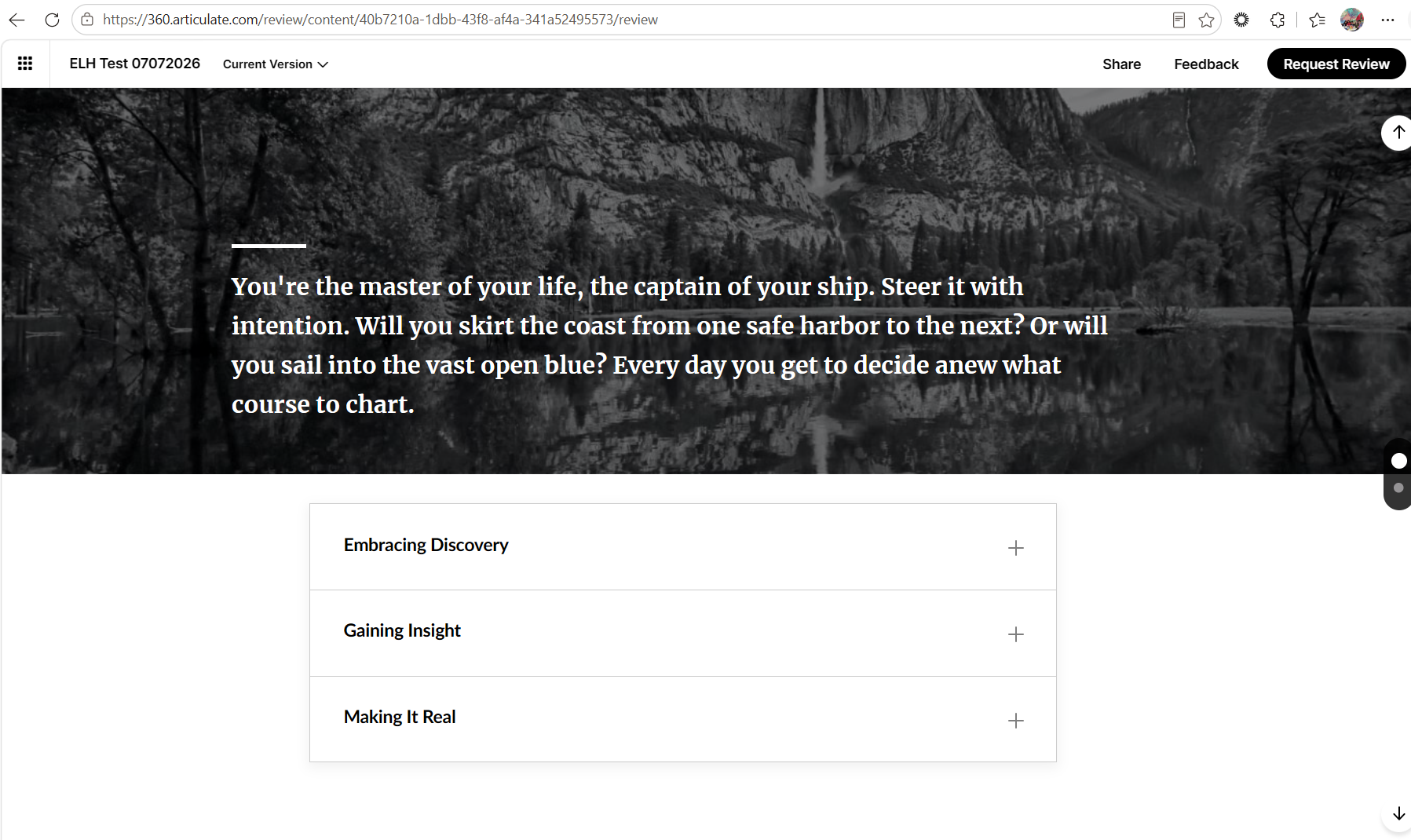
We'd like to investigate this further. Please open a support case and share a copy of your course with us. Once your case is created, we'll provide instructions on how to safely share your course so we can take a closer look.
Related Content
- 1 month ago