Forum Discussion

Storyline 360 picture border showing incorrect
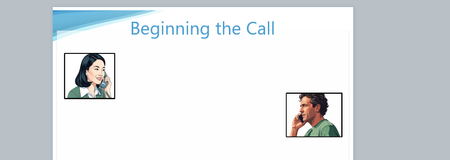
- 4 months ago
kellyr: Here are some potential non-JavaScript workarounds:
Use image-editing software to add a border to the actual image. Then insert the image into Storyline.
or
Create a black shape. Add the picture directly into its Normal state. Adjust the picture's alignment and size as needed.
- I suggest this for adding the pic: Start with the pic in Storyline. In the Accessibility window, hide the pic so it won't be in the Focus Order. Copy the pic. Go into Edit States mode for the shape. Paste the pic, and adjust its alignment and size as desired.
or
Create a shape with a border, and use the picture as the "fill."


I've experienced similar issues before, and the closest I've come to diagnosing a cause is that it (to me) seems to be related to images that've been cropped. I think the image is technically displayed as/inside an SVG and then the border is applied around the outside of what the SVG's bounding box should be, but because the image is cropped, especially I think if it's a fractional amount, the cropped image still finds a way at runtime to show on top of the border.
Perhaps the issue will disappear if the images are cropped in MS Paint and/or reimported? I'm also personally a fan of putting a colored rectangle behind avatars such that the rectangle shows a few pixels equally on all four sides of the avatar. Grouping them together in the timeline after that ensures they'll always stay together.
Thank you for this helpful explanation! I tried adding a cropped image in then adding the border but it seemed to still have a similar image. No problem though as adding the colored rectangle behind and adding an empty rectangle with an outline behind worked.
Related Content
- 10 years ago
- 10 years ago
- 3 months ago