Forum Discussion

Part 2 Follow Up: Rise Build System in Action
👋Hi everyone!
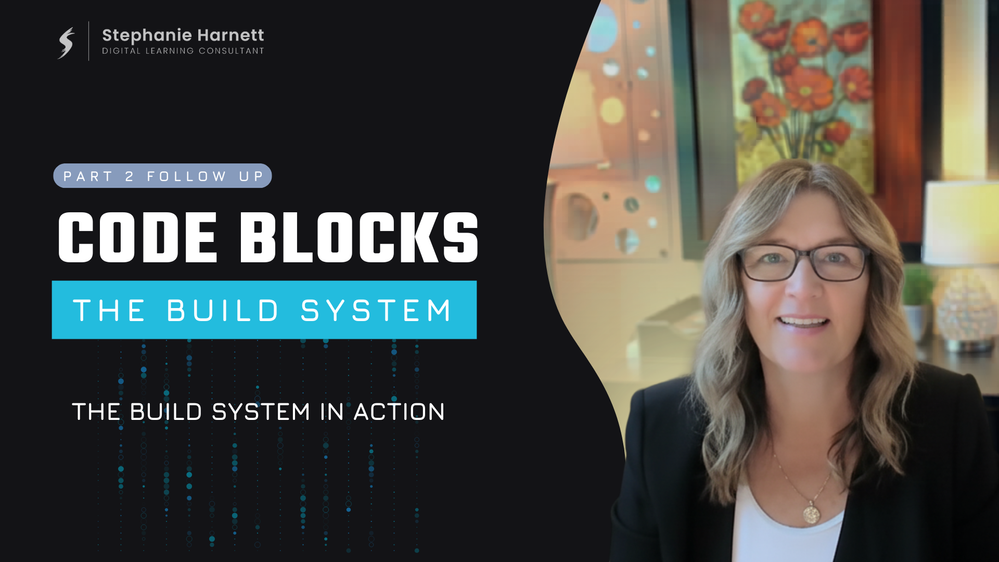
The first follow up from Part 2 of the series is up — and this one demonstrates to examples of using the Rise Build System for a new build and a revision.
The first demo walks through building an interactive display cards snippet using the intake and master prompts from the Rise Build System.
The second demo shows how to use the Revision Prompt to make 3 changes (that were requested by users of the Rise Code Block Library) to the existing glossary code snippet.
The resulting code can be downloaded in the code library.
- Part 1 - AI Voices in eLearning
- Part 2 - Building Rise Code Blocks
- 👉 Part 2 Follow Up: Rise Build System in Action
- Part 2 Follow Up: Prototyping with Intent
- Browse the Rise Code Block Library
The final part of this series will drop in a couple of weeks and shifts focus from Rise to Storyline. We’ll look at the new AI JavaScript coding feature, similar to Rise Code Blocks, but different in many ways. I'll also have a follow up for this final part discussing options for organizing your snippets.
Have fun with this series and let me know if you have any questions.
Stephanie
1 Reply
- CydWalker_mwhCommunity Member
This is great Stephanie, thank you for sharing. You make it easy to follow.
