Forum Discussion

Detect all click or all keyboard events for trigger
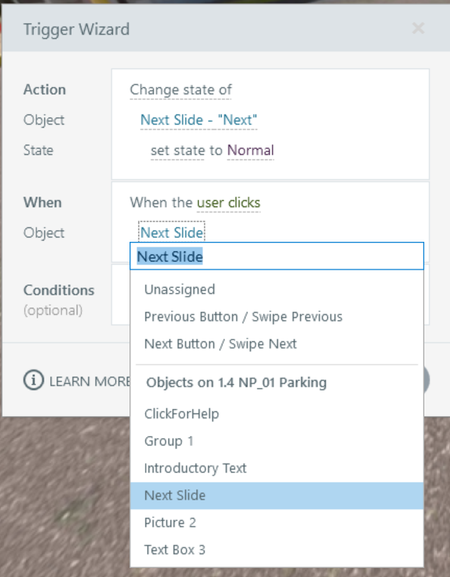

The non-code option when I need functionality like this is to give each button a trigger that updates a button-specific boolean (e.g., button1Clicked, button2Clicked, and button3Clicked) to true.
Then some subsequent triggers can increment a numeric variable (e.g., buttonsClicked) when button1Clicked changes if button1Clicked = true. This prevents the behavior of someone clicking one button three times and incrementing the buttonsClicked variable three times. Instead, the boolean flips once, and since that button1 boolean never flips again, the trigger that increments the count can only fire once per button.
If you're open to JavaScript, a general document-level event listener can capture the mouse click.
document.addEventListener('pointerdown', (event) => {

	let newCount = (getVar('timesClicked') + 1);
	setVar('timesClicked', newCount);

});
The API also describes an object-level event handler. Each object could be given one function to run, and that one function could handle the increment.

Thanks. What you describe above is precisely what I did implement after starting this thread, but before checking back.😂
I'm open to JS, but also not very familiar with it. (I hate c-like languages, so I have a mental block about learning it, but that isn't a reflection on anything but my own weird background as a former FORTRAN developer.)
- AndrewBlemings-11 hours agoCommunity Member
The ability of Storyline to just accept a line or three of JS definitely makes it easier to test and iterate. Sounds like you've got the skills for it so I'm sure you'll have it down in no time.
Related Content
- 4 months ago