Blog Post

Storyline Templates
1 MIN READ

Storyline 360: Simple Animated Timeline with Tooltips by Montse

Montsea's avatar
Montsea
Legend
9 years ago

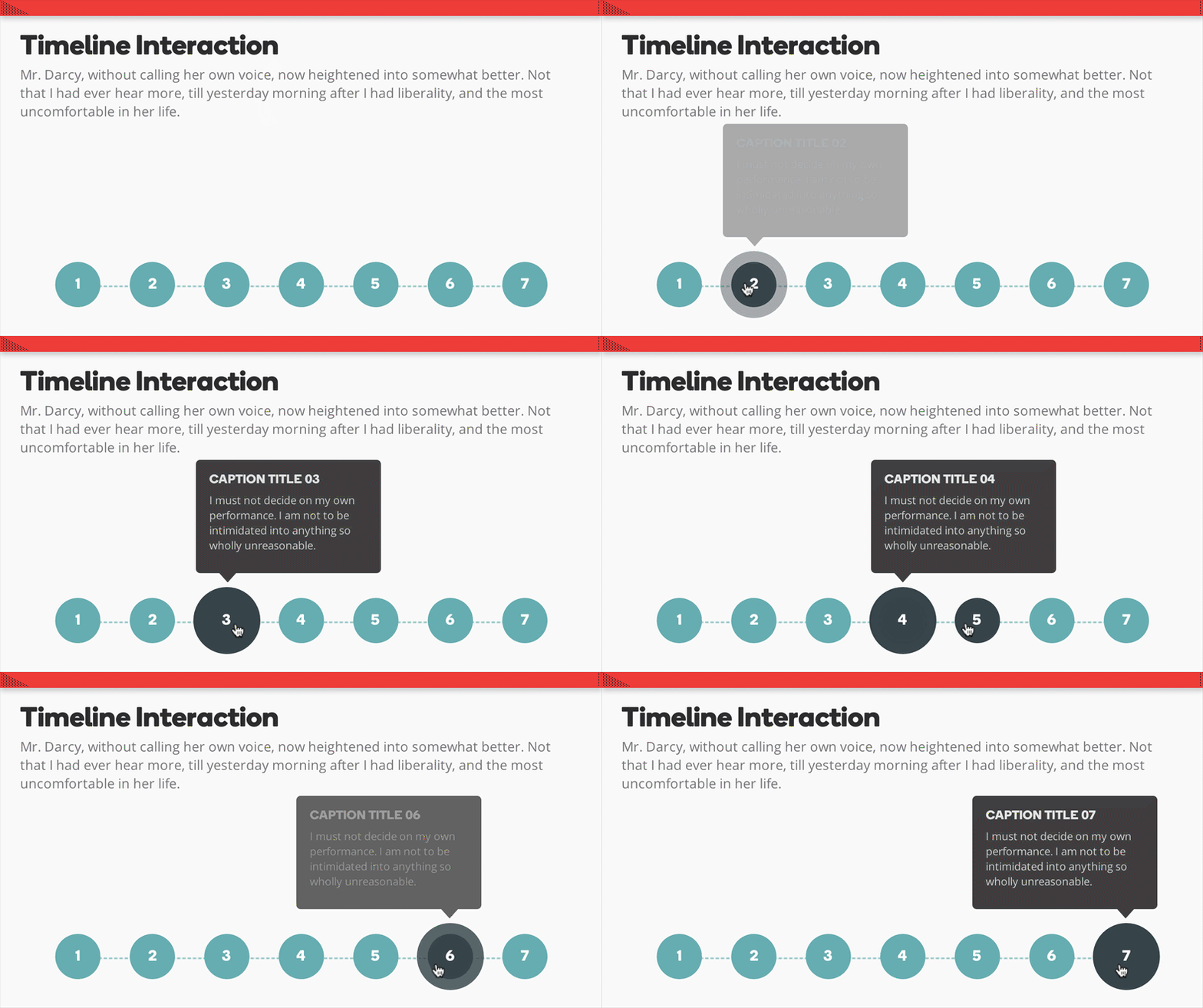
This stunning timeline interaction for Storyline 360 features animated buttons and caption boxes. The graphics are fully editable so you can customize the interaction in your own projects.

View this project in action


Updated 7 months ago
Version 2.0

11 Comments

  • Thank you so much! I was just looking for something like this! Great work!

    jh
    • montse's avatar
      montse
      Super Hero
      Thanks, Michael! It's good to see you! Are you working on any new books?
  • Descargo el archivo de pero no me permite abrirlo ya que esta en formato ZIP, sin historia. ¡Le Agradezco su pronta ayuda!
  • Hi Patricia,
    Sometimes files here in ELH download as a zip file - can you try to rename the file and change the extension to .story?
  • Does anyone know why I cannot edit once I've added this to my current project?
    • TonyOnorad-a54c's avatar
      TonyOnorad-a54c
      Community Member
      It may be that the text boxes and images are "locked" (this was the case for me). Click the "lock" icon in the Timeline view to the left of the timeline item / row to unlock.