branching
8 TopicsOwn Your Own Growth Personalized Coaching Video
Own Your Growth is an interactive coaching experience that helps experienced professionals identify development barriers, practice strategies, and commit to their next step. In the video, learners reflect on their development goals and what barriers they face to achieve them. The video branches depending on the learner's accountability style and how they prefer to be coached. While some people prefer supportive dialog and a detailed approach to next steps, others just want to be given a runway. Each style has an opportunity to practice a real world situation and at the end of the video, the learner can get a prompt to use in their LLM of choice to create a custom development plan and continue growing post-video. Here's the link to the video: https://360.articulate.com/review/content/de7c2d78-373d-486e-a826-479039633868/reviewSimple Solution = Best Solution for Customer Interaction (ELH Challenge #538)
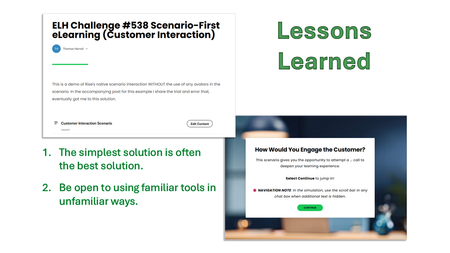
Problem For this portion of my customer service eLearning module, I wanted to create an immersive experience that would help the learner practice the decision-making process and the approved scripting they must adhere to. Solution (my journey) I wanted to try my hand at using Rise360’s AI Assistant for a CSR-to-customer interaction. But my attempt did not produce what I was looking for. So… Why not try to “vibe” it? I switched over to Vibe Coding. I figured something “new” and “fresh” would liven up this customer service training module. I abandoned it after 12 attempts. I got close to a viable solution, but still had a ways to go. I returned to AI Assistant, used the proper format it needed, and tweaked the remainder of my scenario without using the avatar setting. Lessons Learned For a while, I was stuck in my head with the idea of “new and fresh.” But 10 out of 10 times, the simplest solution you build is likely the best possible one. Don’t underestimate simplicity. Finally, sometimes using a tool you touch daily can blind you to its potential in a new way. That’s what my final solution is – Rise360’s native scenario builder without the typical avatars I’ve used in the past. Conclusion Though we have access to “new shiny” tools and “AI on the brain,” tried-and-true tools and techniques will never go out of style. We ought to continually revisit the tried-and-true to be reminded how cool they are. 😉 Click here to experience the demo I built. 👀 It also includes more details of the great learning experience I had. 📝 Disclaimer: my demo doesn't strictly adhere to the challenge's parameters (a scenario instead of learning objectives), but I thought this would be a good place to share this learning experience with the community.Can One Click Trigger a Cyberattack?
In today’s digital workplace, a single mistake can lead to serious business disruption. That’s why we developed a Scenario-First Cyber Awareness Activity that places learners inside a realistic cyberattack situation. Help your workforce learn how to spot threats, make safe decisions, and protect critical business data. See the Scenario-Based Training in Action https://www.swiftelearningservices.com/scenario-first-elearning-cybersecurity-awareness-training/576Views0likes4CommentsLucifer Industries
Hello! I've always been fond of 'Start Late, Leave Early' - dropping learners into an unfamiliar scenario, testing their existing skills and knowledge, and only offering correction if they fail. So it's back to my favourite fictional workplace, Lucifer Industries, to test their evacuation procedures... This is a tongue-in-cheek way of illustrating how you can flip the script, ditch the learning objectives, and have the learner figure out what to do. The videos were created using Powtoon's AI text to video feature, and edited in Camtasia. https://bit.ly/elhc538 430Views3likes3Comments
Navigating Team Conflict
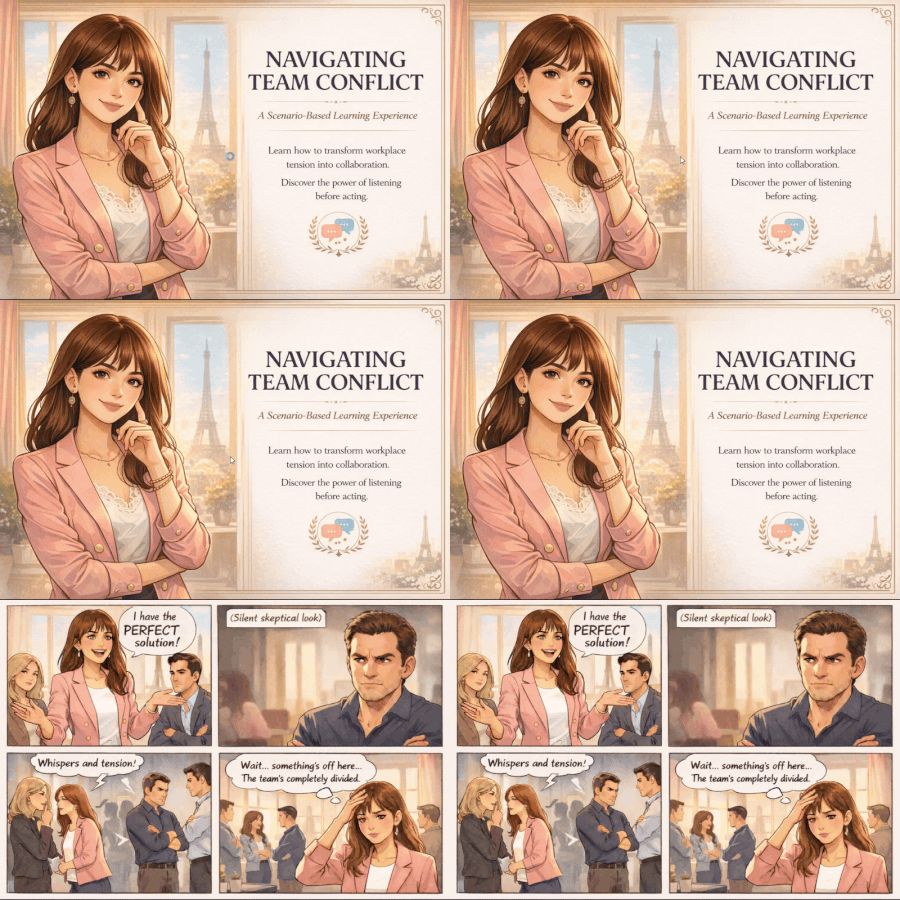
Emily just presented what she thinks is the perfect solution. But the room went silent. One colleague's arms crossed. Another looked away. The team is divided, and momentum is stalling. What would you do? The Idea I was inspired by Emily in Paris, a show about navigating messy, real conflicts with style and empathy. So I created a scenario-based learning experience where learners step into her shoes and make decisions that actually matter. Instead of starting with learning objectives, the course opens with a problem. Two stakeholders. Opposing viewpoints. Time to choose your move. The best way to learn is by doing. Play through the interactive scenario here! How I Built It Comic strips generated with ChatGPT Single HTML artifact with 5 internal screens, 2×2 grid decision layouts Articulate Storyline integration via web objects About Me Jayashree Ravi Connect with me on LinkedIn!203Views0likes0CommentsPOSH Awareness Training: Scenario-First eLearning Course
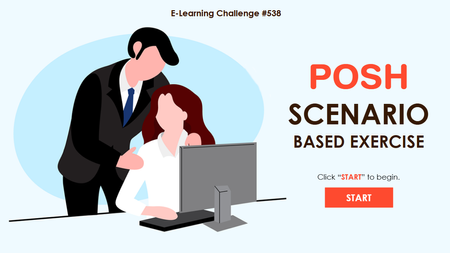
One incident can impact your entire workplace. Train employees to recognise, respond to, and prevent workplace harassment. Explore POSH Scenario Training https://www.brilliantteams.com.au/posh-awareness-training-scenario-first-elearning-course/Pre-assessment trackable by LMS in a branched course?
Hi everyone. Here's our plan: We want to create a chain of short microlearning courses that each cover one specific topic of our company strategy. Learners, however, only have to take a course if they don't pass a pre-assessment for a specific topic. Let me visualize the idea for you here: Every time a learner fails the entry test, they get taken to the respective learning. Should they pass it, however, they can move on to questions about the next topic. Our Learning Management System is SAP SUCCESS MAP LEARNING. We need Storyline 360 to report all pre-assessment results back to our Learning Management System so that we can ensure we track those who pass entry tests as well as those who end up having to take the microlearnings. Does anyone have experience with this? Is what we're trying to do even possible? Any help is much appreciated!441Views0likes9CommentsCustom Table of Contents Based on Variable Button Trigger in Storyline 360
Has anyone tried creating a custom dynamic Table of Contents based on a button trigger in Storyline 360? I want to create a branching lesson that has mostly shared information but at points it separates to offer specified information based off of a button choice made at the start. The problem I'm running into is that it will show all of the contents in the player table of contents. Even when I set up a custom table of contents it shows both choice options. I would like to be able to have that change based off of that initial button choice. I have tried using JavaScript but can't seem to locate where in the story file or the overall published file the table of contents is located. Any ideas if this is even possible or am I barking up the wrong tree?278Views0likes1Comment