character
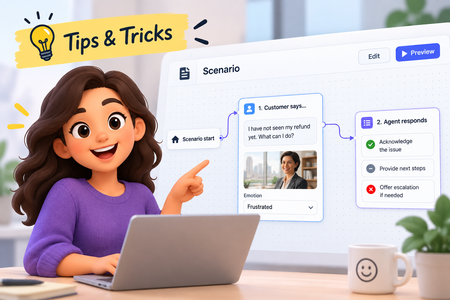
5 TopicsLevel Up a Scenario: Add Characters and Emotions
Our recent platform updates brought some exciting new content types. Scenarios specifically have been a lot of fun to explore. In this tip, you'll learn how to add your own characters and see the magic of automatic emotion generation! Watch the video to see how!219Views2likes0CommentsHow to Create Consistent Characters Using AI in Storyline
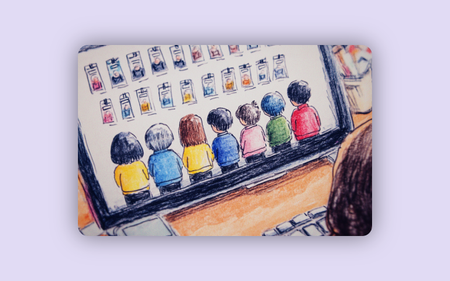
Here's an easy way to create consistent characters in Storyline using AI. It's pretty simple. Copy and paste the characters to the AI chat panel, add a prompt and you'll get the characters how you want. Watch the video to learn more. Also, you can download a bunch of free characters in the downloads section.290Views5likes0Comments3 Ways to Let Users Choose their Own Character or Avatar in Storyline
In this tutorial, you’ll learn how to let learners select their own character and explore three different ways to show that character across multiple slides. You’ll use variables to store learner choices and apply slide triggers, timeline triggers, and slide masters to display the customized character.609Views0likes0Comments