drag and drop
9 TopicsSlider Drag and Drop
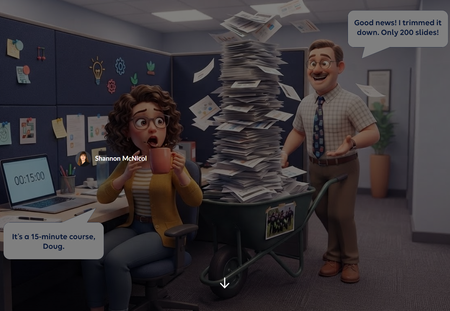
I built this as a quick example that might spark some inspiration for others. The learner can drag the document, use their arrow keys, or select the folders themselves. You'll notice it is a freeform pick one quiz question so there are triggers that change the state of the folders based on the value of the slider's variable.Need to Know? Sorting Doug's 200 Slides 📄😱
We've all met Doug. Doug is a lovely SME who knows everything, and he just rolled 200 slides into your cubicle for a 15 minute course. "Good news! I trimmed it down!" 🙃 For this week's challenge, I turned that moment into a sorting activity. Learners drag each of Doug's slides into one of three zones: Need to Know (teach it), Nice to Know (link it), or Never to Know (cut it, kindly). Then they hit Submit, and Doug weighs in. Try sending his paintball offsite photo to the cut zone and see what happens. 🎯 Why a slider? Drag and drop isn't fully keyboard accessible yet, and this interaction only needs to move one way: left to right. So the slide card rides on a slider. Learners can grab the card or the slider button with a mouse, or tab to it and use the arrow keys. Screen readers hear which zone the slide is in, not a random number. Same feel as drag and drop, and everyone gets to play. 🙌 What I learned: Get one axis right before anything else. If the movement only goes one way, a slider gives you drag and drop feel with accessibility built in. Feedback with personality sticks. Doug reacts differently depending on where you drop each slide. It's funny, but it also shows why something belongs in a zone. Show the payoff. The end screen compares Doug's 3 hr 40 min version with your trimmed course. That's the real lesson for any LED. ⏱️ Shout out to Claude, my co-creator for the build. Doug and our caffeinated LED were brought to life with Articulate's AI image generation. ☕🤖 👉 The SME Content Dump Have you ever had a Doug? What's the wildest slide you've had to cut? 😂What would you do?
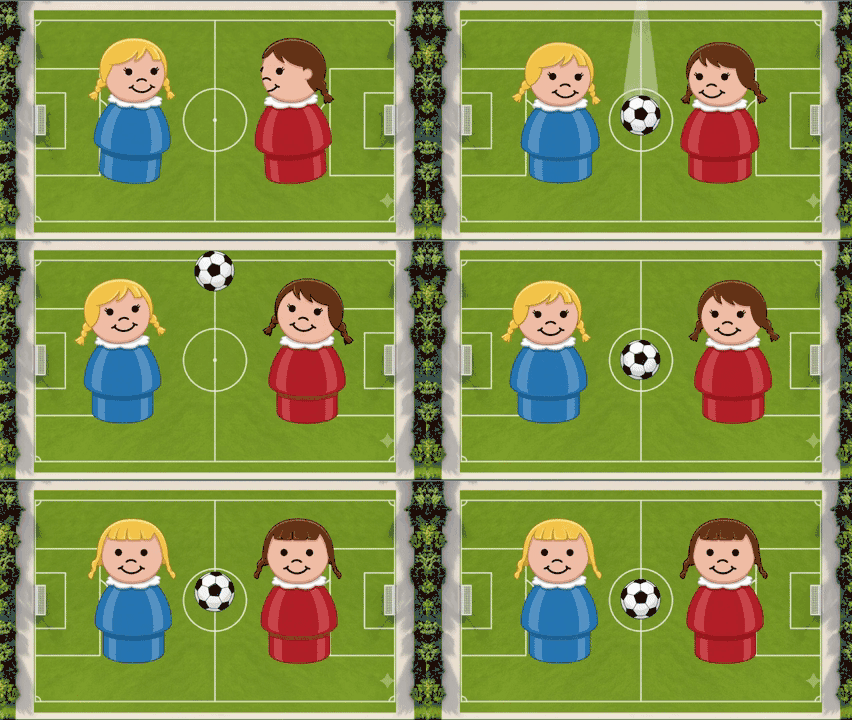
My goal was to have a question for several different situations on the field to see what strategies and tactics statistically had the best results. ⚽ But, as usual, my ambitions were bigger than time allowed (hence, the late contribution). 😫 I guess I'll add this to my list of "Challenges to finish in my spare time." 😂 I used Articulate AI for image and sound effects generation, and the videos are Nano Banana. LinkyTSA Dishes on Thanksgiving Food
Almost all of the script is from the TSA.gov site about Thanksgiving food 😁 Every eLearning challenge helps me learn more about creating prompts for consistent images and videos. It's easier to be consistent with images created by Gemini AI because I can say "Keep everything the same and..." add, remove, etc. Unfortunately, I can't do that with Gemini AI videos 😢 I wanted to use the same TSA agent for the entire course but Gemini AI had other plans, so I leaned into it, using a different agent for each sentence or phrase. Another challenge: Gemini AI limits videos to 8 seconds and only three a day (what do you want for free?). I did use Articulate AI for some narration and images. And, I referred back to the tutorial "5 Ways to Customize Drag-and-Drop Interactions" to get just the right drag-and-drop interaction for the review. Enjoy! TSA Dishes on Thanksgiving FoodSolvedNavigating Security Like a Pro
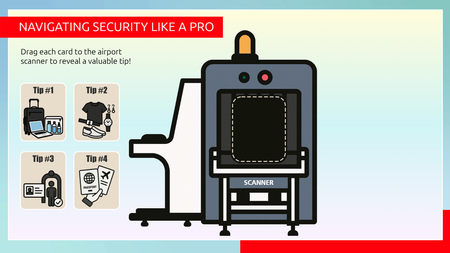
Check out this engaging drag and drop interaction for the challenge of the week, How to Get Through Airport Screening Faster. It's a fun way to reveal content than the traditional click and reveal. Play here: https://360.articulate.com/review/content/7d2462cc-cf74-4a67-957f-0934c2200581/reviewThe best weigh to make an espresso
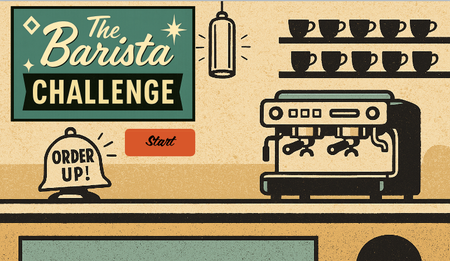
Hello! I like to mimic real-life machinery, dials, switches, and buttons in eLearning where it's appropriate. Sometimes learning by doing can be very literal. But these features can also impact #accessibility. In this week's coffee-themed demo, I have ensured the drag and drop, slider and dial interactions are also accessible from the keyboard. All of the vectors in this week's demo were 'handmade' in PowerPoint and Storyline using the 'merge shapes' feature. Most of my time was spent making sure the interactions perform as intended when the keyboard is used instead of a mouse. But I'm pretty pleased with the overall effect. What do you think? PLAY HERE
Magical Coffee-Bar: Fan-Inspired Drink Simulator
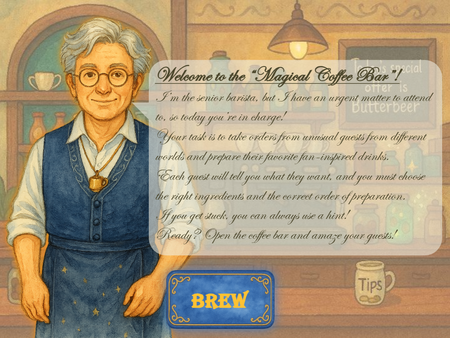
Articulate Challenge #524 – How to Brew the Best Coffee & Espresso Drinks Welcome to the Crossroads Cafe, a whimsical drag-and-drop interaction where learners take on the role of a barista serving enchanted drinks to guests from across fictional universes. ☕ Project Concept In this interactive experience, players are left in charge of a magical coffee shop after the senior barista is called away on urgent business. One by one, guests arrive — each inspired by beloved characters from books, shows, and movies — and place their orders for fan-favorite drinks like Butterbeer, Blue Milk, and Miruvor. 🎮 Gameplay Drag & Drop Mechanics: Learners select ingredients and place them into a mug in the correct order. Hints Available: A recipe card is available for reference if the learner needs help. Serve & Feedback: Once the drink is assembled, the learner presses “Serve” and receives themed feedback from the guest — magical praise or playful critique. Progress Tracking: The game tracks how many drinks were made correctly, with a final summary and stylized feedback. 🎨 Design Style Classic 2D animation inspired by mid-20th century cartoons Watercolor textures with bold outlines Magical UI elements and whimsical decor Custom illustrations for guests and environment 🧙♂️ Senior Barista’s Message “Ah, welcome, apprentice! The guests are lining up, and the steam is rising — it’s time to brew some magic. Drag the correct ingredients into the mug, press ‘Serve’ when ready, and consult the recipe card if you need a hint. Every cup carries a little enchantment — brew wisely!” ⚠️ Disclaimer All visual assets in this project were created using AI tools and custom design. Guest characters are original creations inspired by popular fictional archetypes and do not directly represent or reproduce any copyrighted characters. This project is intended for educational and creative demonstration purposes only. Crossroads CafeDreams of Directing...
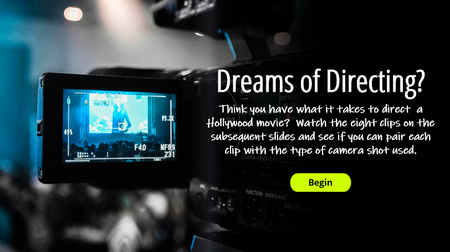
View the example. Description: Taking inspiration from the "movie" theme, here's my take on using interactive video in an e-learning course. It challenges the user to watch a movie clip and determine the camera angle used when filming. It also utilizes a simple drag/drop feature to determine correct/incorrect responses. Video clips and visuals from Studio Binder.