interaction
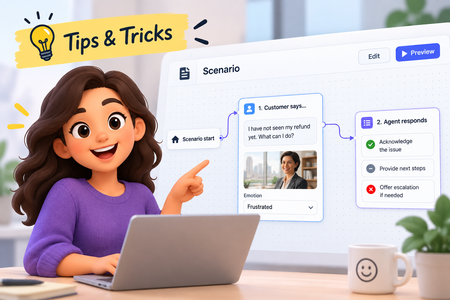
18 TopicsLevel Up a Scenario: Add Characters and Emotions
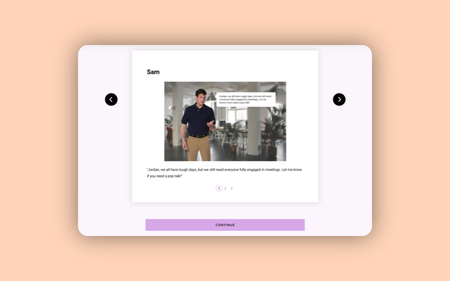
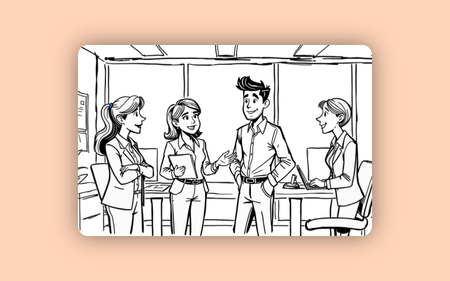
Our recent platform updates brought some exciting new content types. Scenarios specifically have been a lot of fun to explore. In this tip, you'll learn how to add your own characters and see the magic of automatic emotion generation! Watch the video to see how!167Views1like0CommentsHow to Show & Hide an Object by Toggling States
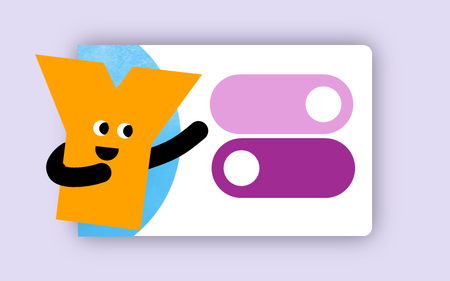
This tip comes from our certified training partner, Yukon Learning. When you use triggers to change states of objects, the trigger wizard adjusts the language to "Set State". But did you know this option can be adjusted to "Toggle"? The Toggle allows you to switch an object from normal to hidden or from normal to disabled with a single button action. In this video, you'll learn: How to change an object state How to adjust the "set" state option to toggle How to toggle an object without using variables Resources: Yukon Learning YouTube Channel Sign Up for Facilitated Certified Training293Views4likes0CommentsAdvanced Storyline? Creative Way to Use Button Sets w/ Quizzes
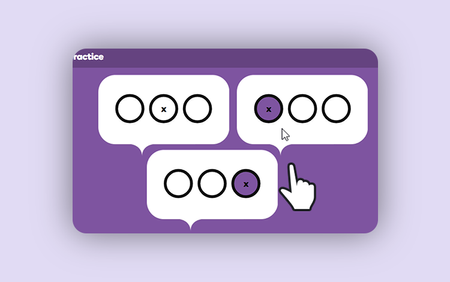
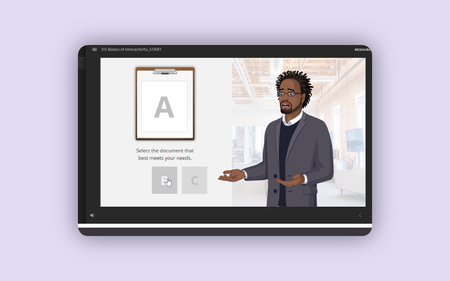
Discover how advanced Articulate Storyline skills aren’t limited to complex variables or JavaScript. In this tutorial, you'll learn a clever technique using button sets in Articulate Storyline 360 to create multiple quiz questions on a single slide.1.1KViews5likes0Comments