storyline 360
412 TopicsStoryline: Interactive Timeline Template
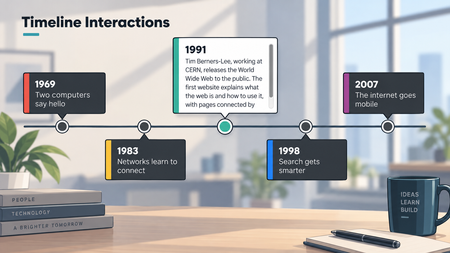
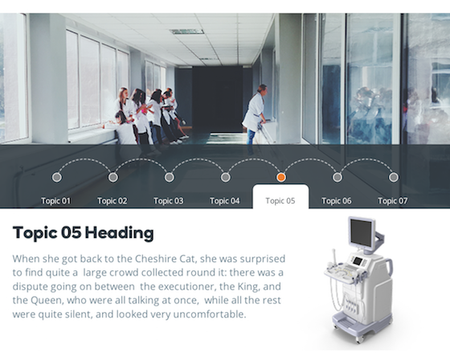
Here's a free timeline interaction designed and built in Storyline. One thing that's a little different in this build is how the text is applied to each closed and open card. Rather than using states and text boxes, you place the text directly on the shape, heading and body copy both. The shape's margins control the spacing and keep everything aligned. There are some nuances to this approach, but the benefit is rapid updating. View the interaction605Views3likes0CommentsStoryline: Gamified Quiz Template With Timer
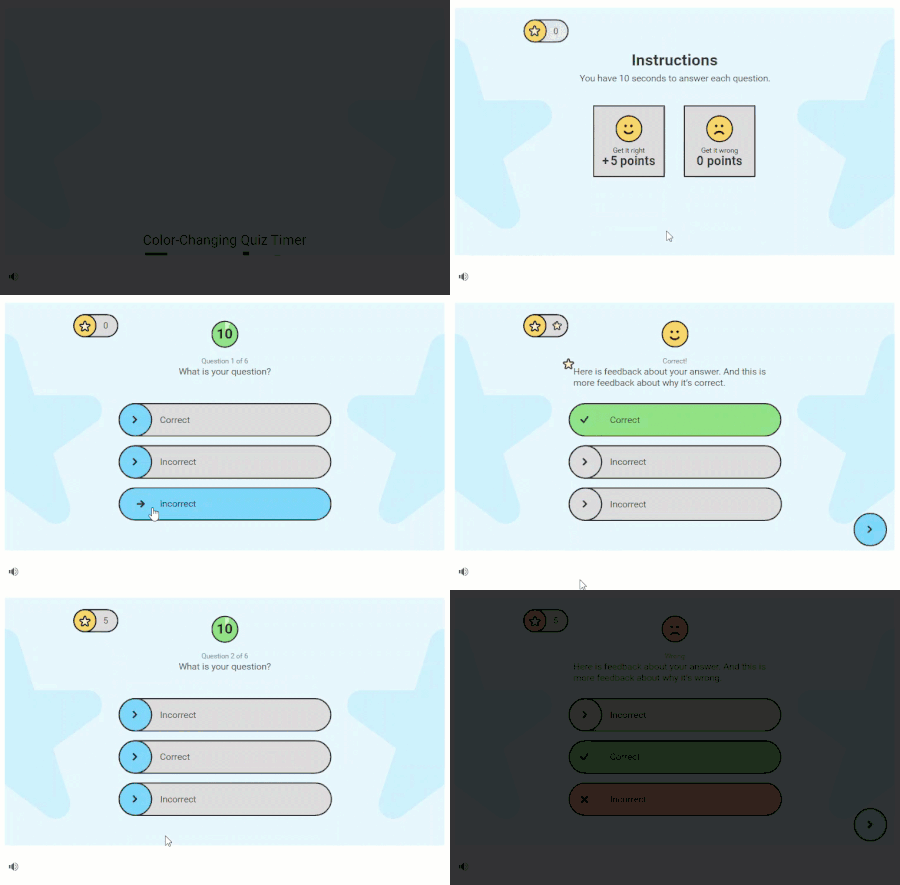
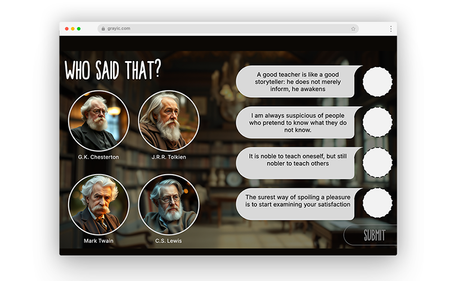
Have learners race against the clock in this fun, game-like quiz. This Storyline 360 template includes a color-changing timer to signal when time is running out and built-in slide number variables so you can add or remove questions without having to renumber them. Download the fonts Roboto and Roboto Black to get the same look and feel. View project in action.14KViews16likes69CommentsStoryline: Jeopardy-Inspired Game Show Template
Create a fun-filled e-learning quiz with this Storyline 360 game show template. Easily replace placeholder text to quickly gamify your content. View project in action. Download the fonts Poppins Regular and Poppins Semi-bold to get the same look and feel.15KViews13likes83CommentsStoryline: Multimedia Tooltips and Callouts
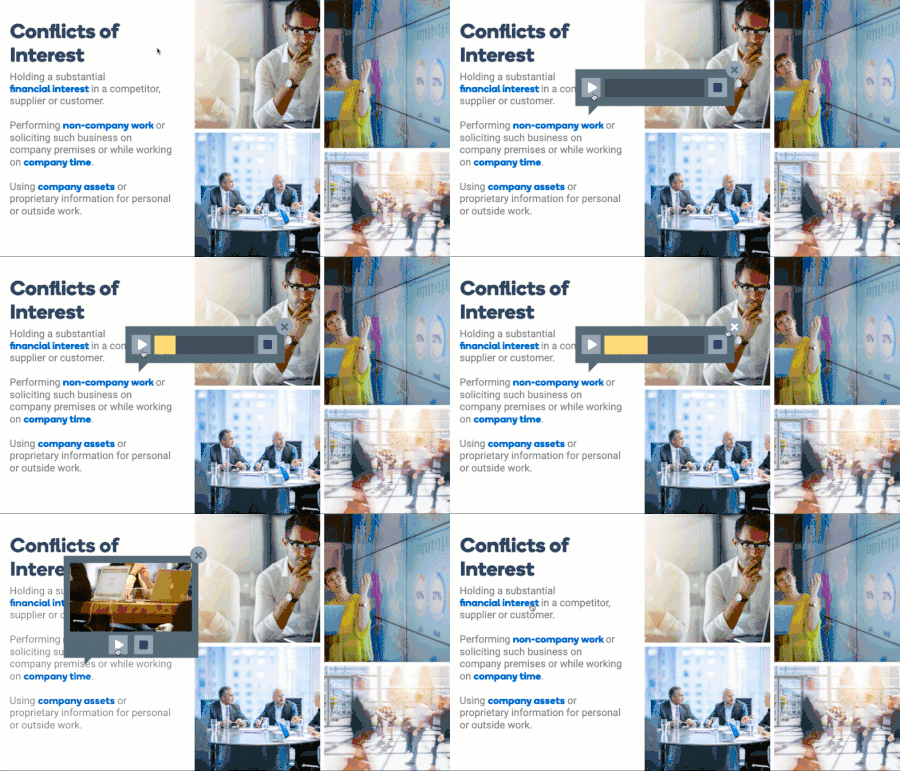
This Storyline 360 example features interactive tooltips to enhance learners' overall course experience. Tooltip examples include audio, video, image, and text examples that you can easily use and customize in your own courses. View the project in action.2.6KViews1like10Comments