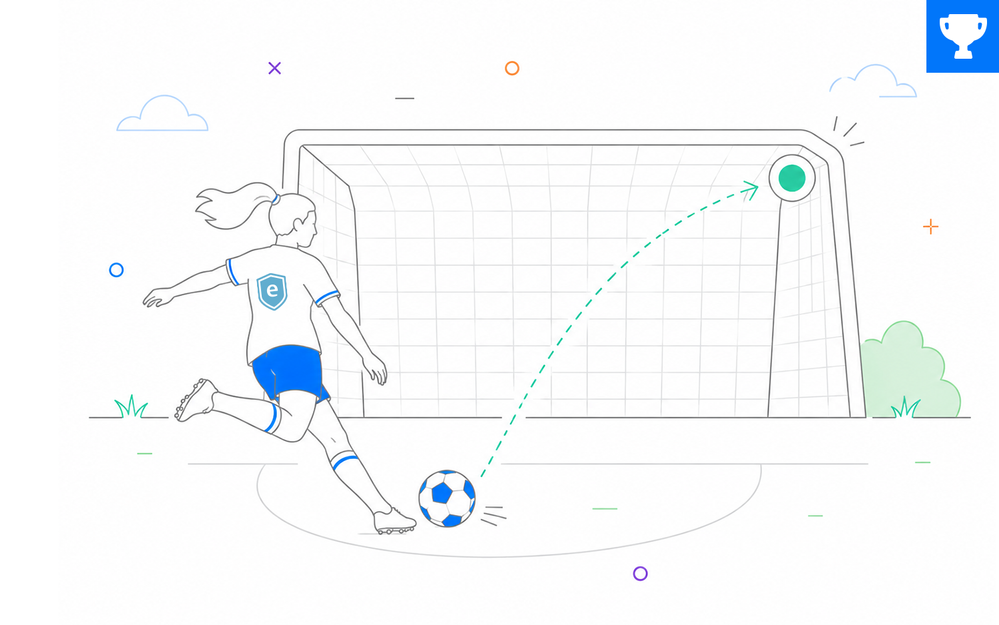

Soccer looks simple from the stands.
Kick the ball. Pass the ball. Score the goal.
But there’s much more to the game than that. From the rules and tactics to the players, history, and unforgettable World Cup moments, soccer gives course designers lots of ways to flex their e-learning design skills.
🏆 Challenge of the Week
This week, your challenge is to create an e-learning example that teaches learners something about soccer.
You can explain a rule, break down a strategy, highlight a favorite player, explore a memorable World Cup moment, or choose any soccer-related topic that gives learners something new to understand.

Interactive Soccer Examples
Check out the fantastic soccer examples @JodiSansonJodiSansone and @Ackers-2Ackers-22 shared in a recent variables challenge. Hopefully they’ll bring them back for another round this week.
FOMO for FIFA
Hop In! We have ground to cover!
Could you be a Football Manager?
🚀 Tips for Getting Started
Here are some ways to approach this week’s challenge:
- Start simple: Create a click-and-reveal interaction that explains a basic rule like offside, fouls, yellow cards, or penalty kicks.
- Level up: Build a “What would you do next?” scenario where learners choose the best pass, formation, or defensive response from a frozen game moment.
- Challenge mode: Design a decision simulator where each choice changes the outcome of the play. For example: press high, drop back, switch formation, or attack through the wings.
New to the challenges? Simple mode is a great place to start, and any tool works — Storyline, Rise, PowerPoint, or whatever you want to practice with.
🙌 Share Your E-Learning Work
You put in the effort, now make sure your work gets seen:
- Personal blog: If you have a blog, please write about your example from this week’s challenge and share the link with your submission.
- Social media: Please share your examples on LinkedIn and mention both David & Articulate using the #ElearningChallenge tags so we can help promote your work.
- Support your peers: With the new submission format, you can comment directly on each example. Try leaving helpful feedback on at least three projects this week.
- Community forums: Feel free to cross-post in the forums to give your work even more visibility.
🙌 Last Week’s Challenge:
Before you take the field this week, check out the creative AI image prompts your fellow challengers shared over the past week:
Share Your Go-To Custom AI Image Prompts #557: Challenge | Recap
👋 New to the E-Learning Challenges?
The weekly e-learning challenges are ongoing opportunities to learn, share, and build your e-learning portfolios. You can jump into any or all of the previous challenges anytime you want. I’ll update the recap posts to include your demos.
Learn more about the challenges in this Q&A post and why and how to participate in this helpful article.
