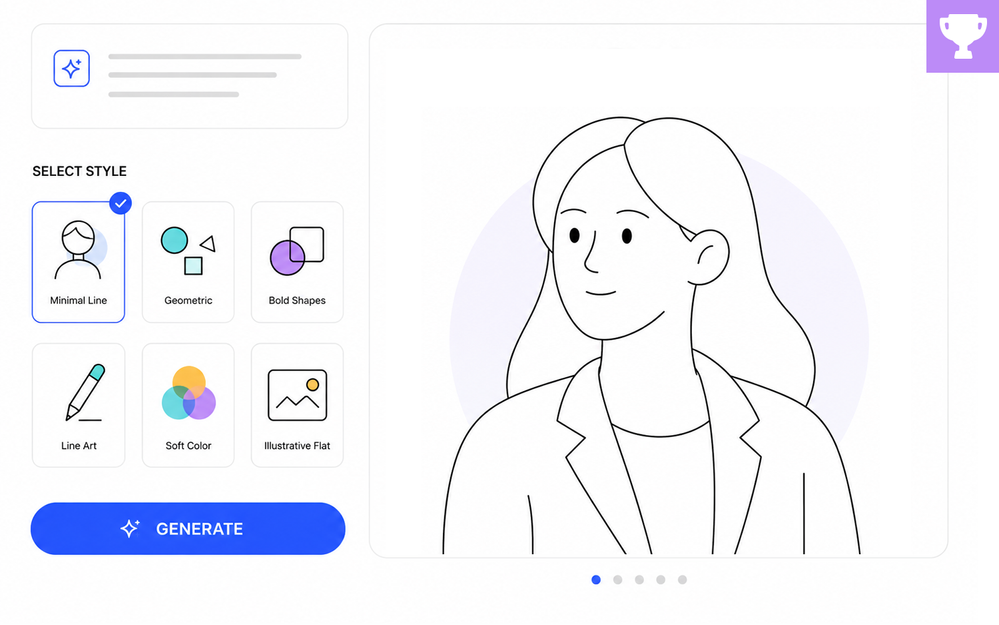

Something interesting has happened over the past year.
When AI images first appeared, most course designers were focused on generating any image that looked good.
Select a style. Click a button. Get something amazing that they couldn't easily create on their own.
But after hundreds (or thousands?) of image generations, many designers developed their own go-to styles.
Maybe it’s a clean editorial illustration style. Maybe it’s cinematic photography. Maybe it’s retro travel posters, comic-book art, technical diagrams, or hand-drawn sketches.
If you’ve joined any of my weekly training classes, some of the styles below will probably look familiar. (I’ll post the AI Assistant image prompts I used in the recap.)
|
National Park Poser |
Flat Minimal Design |
Retro Offset Print |
The images matter, but the prompts behind the images are often where the real creativity lives. And that’s what this week’s challenge is all about!
🏆 Challenge of the Week
This week, your e-learning challenge is to share one (or more) of your favorite custom AI image prompt styles. Show us the image, share the prompt, and tell us which image generation tool you used.

🎯 Goals & Objectives
For this week’s challenge, you'll:
- Produce one or more AI-generated images using a custom prompt style
- Demonstrate how prompt engineering can create a consistent visual aesthetic
- Create a shareable example that showcases your creative process and design preferences
🚀 Tips for Getting Started
Here are some ways to approach this week’s challenge:
- Start simple: Copy one of your AI tool’s built-in styles into the custom prompt field and modify one or two elements to make it your own.
- Level up: Create a mini style system. Use the same prompt structure across three to five different images and see how consistently the style holds up across different subjects or scenarios.
- Challenge mode: Create a signature prompt that promotes your personal branding or design style.
⚒️ AI Image Tools
You’re welcome to use any AI image generation tool you’d like this week. Just be sure to include the tool you used along with your prompt and example images.
✨ Share Your E-Learning Work
You put in the effort, now make sure your work gets seen:
- Blog it: Post your example in the recap hub and tell us how you tackled the challenge. With the new submission format, you can comment directly on each example. Try leaving helpful feedback on at least three projects this week.
- Share it: Please share your examples on LinkedIn and mention both David & Articulate using the #ElearningChallenge tags so we can help promote your work.
- Discuss it: Feel free to cross-post in the forums to give your work even more visibility.
🙌 Last Week’s Challenge:
Before you craft the prompt that shows your personal style, see how your fellow designers crafted the variables that personalized their courses:
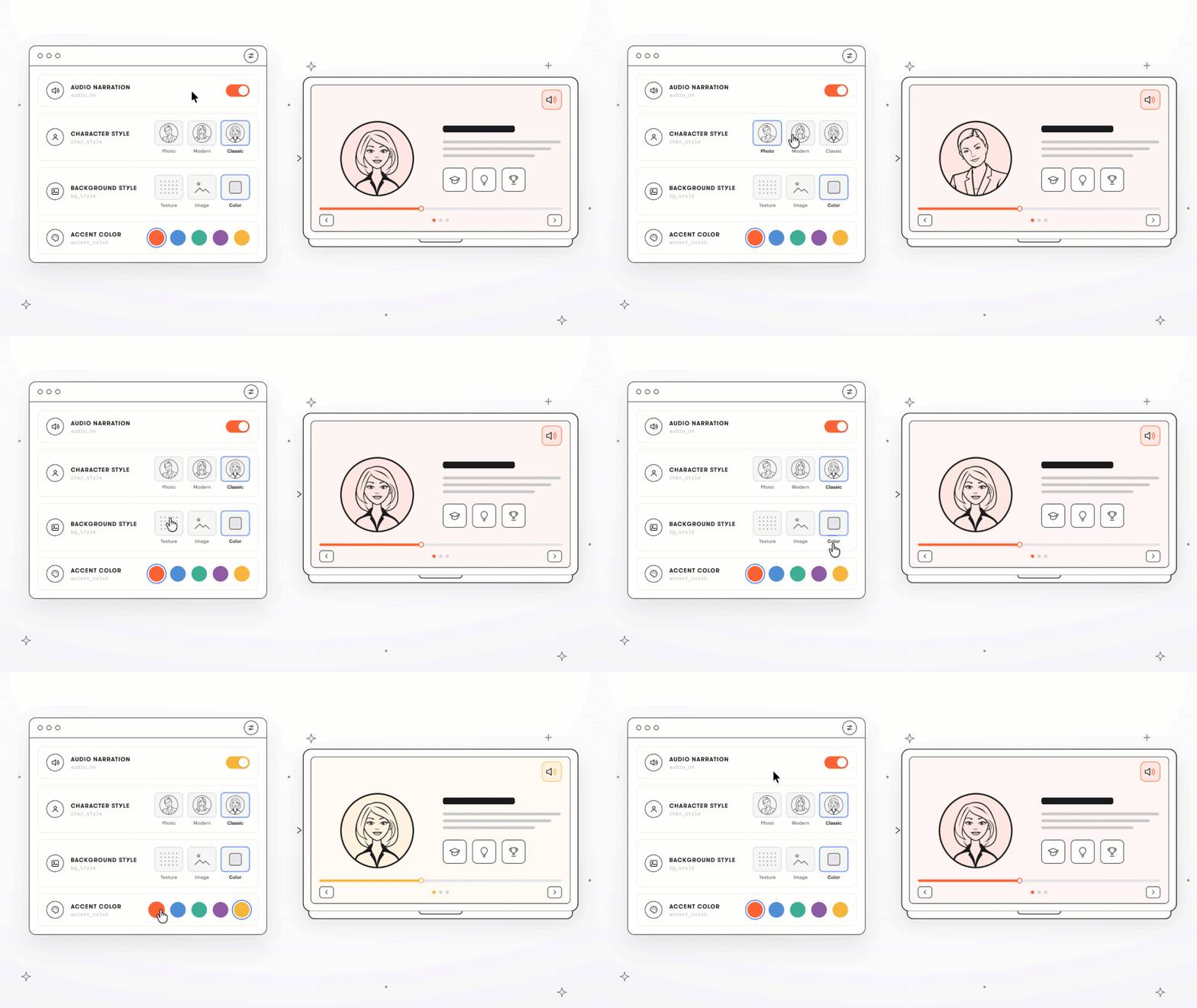
Personalizing E-Learning with Variables #556: Challenge | Recap
👋 New to the E-Learning Challenges?
The weekly e-learning challenges are ongoing opportunities to learn, share, and build your e-learning portfolios. You can jump into any or all of the previous challenges anytime you want. I’ll update the recap posts to include your demos.
Learn more about the challenges in this Q&A post and why and how to participate in this helpful article.
