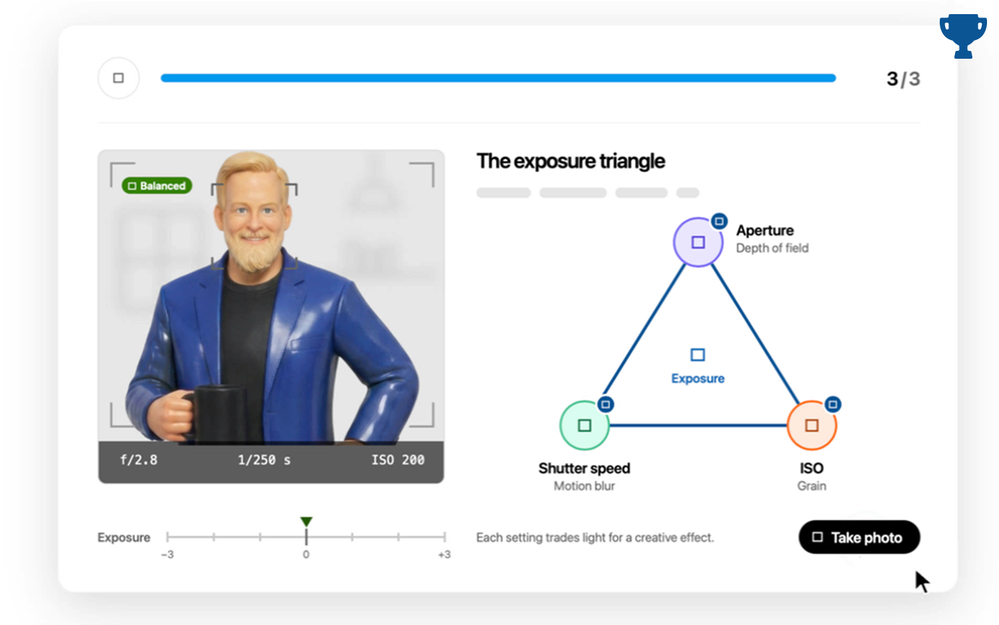

Automatic camera settings are great for everyday photos. But what happens when you want to capture a moving subject, blur the background of a portrait, or get that perfect shot in low light?
Whether you’re using a DSLR, mirrorless camera, compact digital camera, or even the latest iPhone, today’s cameras offer more creative control than most people realize. But getting beyond the default automatic settings means understanding a few photography fundamentals.
That’s where the exposure triangle (aperture, shutter speed, and ISO) comes in.
Understanding how these three settings work together can make the difference between simply taking a picture and creating the shot you had in mind. Even smartphone photographers can benefit from these concepts, though the controls available vary by device.
The Exposure Triangle
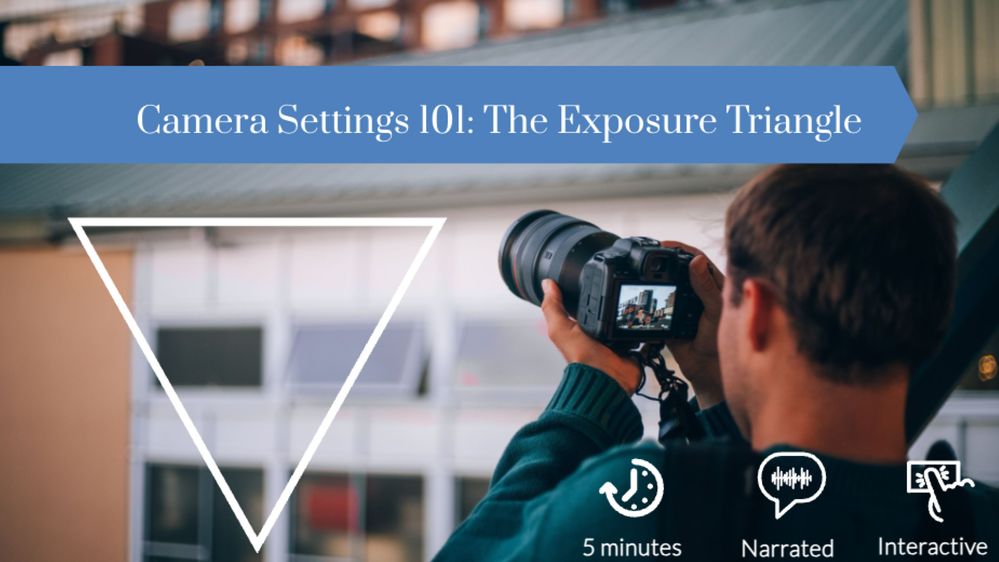
Here’s a great example from Maddie_Rich that uses sliders and states to make photography concepts more interactive. Learners can experiment with shutter speed, ISO, and aperture settings to see how each affects an image’s brightness, grain, and background blur. Behind the scenes, it’s built with sliders, dials, triggers, and custom image states.
View the example | Maddie Rich
🏆 Challenge of the Week
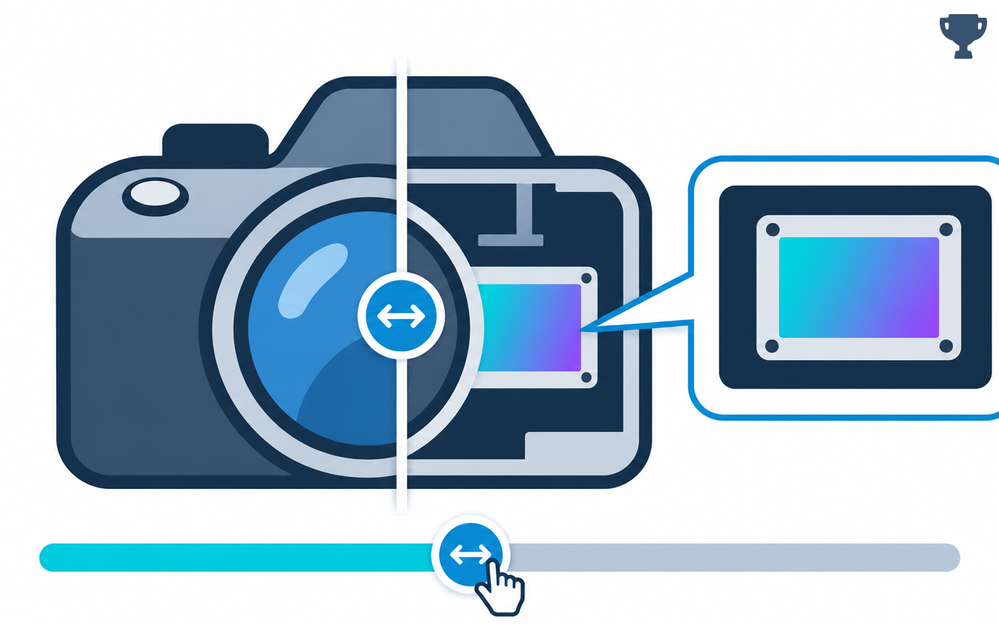
This week, your e-learning challenge is to create a simple interaction that helps learners understand how to use their digital cameras. Your example can focus on basic camera controls, common shooting modes, photography techniques, or anything else that helps new photographers become more comfortable behind the lens.
You don’t need to build a complete photography course. Pick one camera feature or skill and find a creative way to make it interactive.

🚀 Tips for getting started
Here’s how you can approach this week’s challenge at the level that works best for you:
Start simple: Use an image of a digital camera with interactive hotspots that explain what different buttons, dials, and settings do. Let learners explore the camera at their own pace.
Level up: Create an interaction that helps learners compare camera settings. For example, use sliders to demonstrate how aperture affects depth of field, shutter speed affects motion blur, or ISO affects image noise.
Challenge mode: Build a camera simulator where learners adjust settings to capture different photography scenarios. Give them a challenge, such as photographing a moving subject or shooting in low light, and let them experiment with different settings before revealing the results.
🧰 Examples
Here are some more examples designers shared for learning camera basics:
Comparing Camera Settings
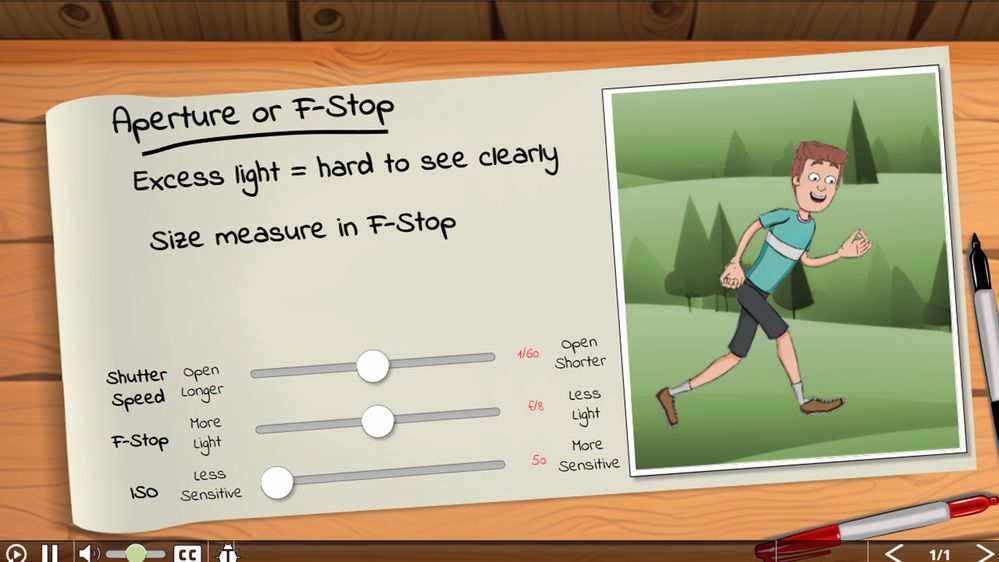
Here’s another creative example of using sliders to explore camera settings, this time as part of a larger drone course for kids. Learners adjust the sliders to see how different settings affect a photograph. Instead of using image states, this project uses JavaScript to calculate and apply the effects directly to the image.
View the example | Nathan Hillard
Trick or Shoot: Camera Basics After Dark
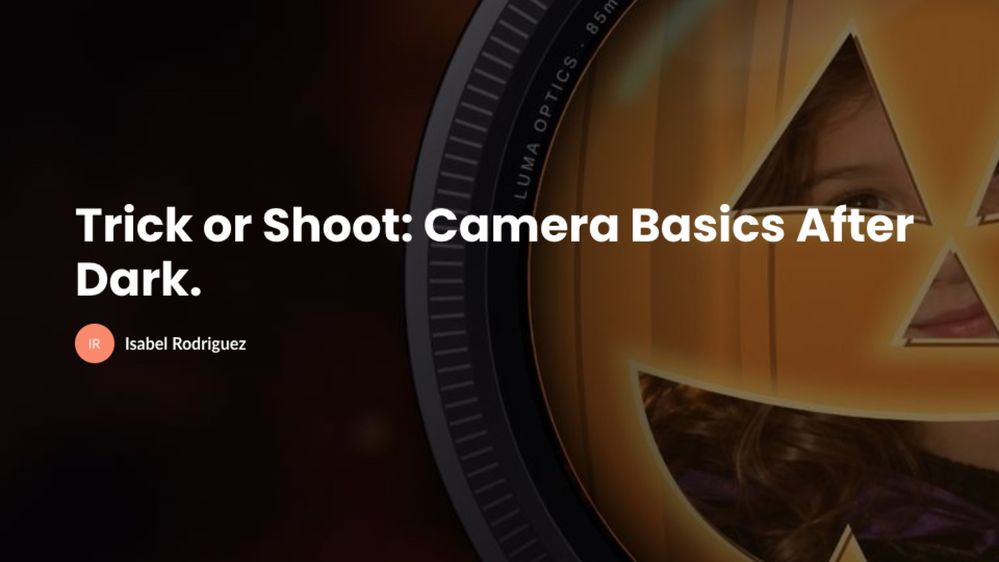
Here’s a fun example of using masking and animation to turn photography lessons into an interactive story. Learners photograph a little witch while experimenting with focus, shutter speed, and lighting to see how their choices affect each shot.
Built in a Rise 360 code block using custom HTML, CSS, and JavaScript, the project uses camera cutouts, animated shutter effects, and a mix of guided practice and independent challenges.
🙌 Share Your Work
You put in the effort. Now make sure your work gets seen:
- Personal blog: If you have a blog, write about your example from this week's challenge and share the link with your submission.
- Social media: Share your examples on LinkedIn and mention both David and Articulate using the #ElearningChallenge tag so we can help promote your work.
- Peer feedback: Try leaving helpful feedback on at least three projects this week.
- Community forums: Cross-post in the forums to give your work even more visibility.
🙌 Last Week’s Challenge:
To help you bring this week’s challenge into focus, take a look at how the community explored sliders in last week’s challenge
Using Sliders for Exploration in E-Learning #573: Challenge | Recap
👋 New to the E-Learning Challenges?
The weekly e-learning challenges are ongoing opportunities to learn, share, and build your e-learning portfolios. You can jump into any or all of the previous challenges anytime you want. I’ll update the recap posts to include your demos.
Learn more about the challenges in this Q&A post and why and how to participate in this helpful article.
