This six-tab accordion interaction uses motion paths and a variable to animate the opening and closing of each tab.
Published 6 years ago
Version 1.0
DavidAnderson
Staff
Joined October 22, 2010
Storyline Templates
Free templates and project files
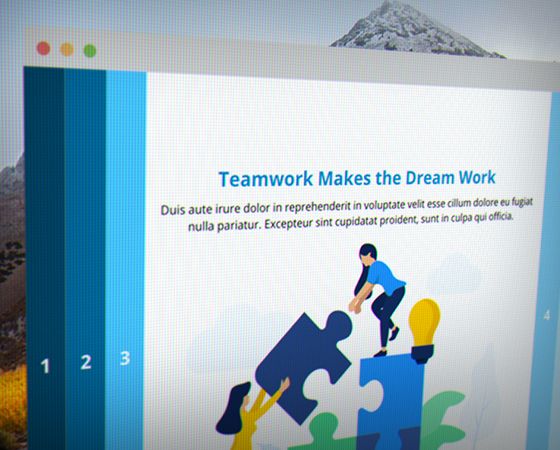
This six-tab accordion interaction uses motion paths and a variable to animate the opening and closing of each tab.






Is there a way to show a next button after all the tabs are clicked? I mean without having to insert loads of triggers?

As much as we all love this accordion, has anyone figured out how to add narration? 😁

With accordions, you have two options for adding narration:
I've used both, it just depends on whether you want the narration to play by choice or automatically.
With this particular accordion design there is a pause timeline trigger in order to make the rest of the slide function as designed. Therefore, you cannot use your usual add narration triggers. Tried variable, could just be me, but did not get it to work in my specific file, using a button to play an audio file will work 🙃, was just hoping for an autoplay.

FINALLY! Yes, you can add audio to this animated accordion!!
I tried to figure this out 2 years ago but today it just clicked. I can't believe it really isn't as difficult as I thought.
In a nutshell, here's how to do it (but no worries - see the attachments if you need to see it and test it out yourself)
So on each layer the first 2 triggers are :
Here's how I added audio:
On every layer:
Then if you want the forced navigation use David's trick to have trigger buttons on the base layer but OFF the slide for each layer (Layer 1 Trigger, Layer 2 Trigger etc.) and a trigger to change the trigger buttons to visited when the user visits each specific layer and then the state trigger to change the state of the Next button to normal when the state of all the hidden off slide trigger buttons on the base slide are visited.
I've attached the Storyline file with just text audio in it and a Word document with screenshots in case it helps.
EDITED: So it looks like I can only add 1 attachment to this post. I put the Word document as a resource in the Storyline file.