Blog Post

Storyline Templates
1 MIN READ

Storyline 360: Flashcards With Flip Animation

ThomasGill-1cdb's avatar
ThomasGill-1cdb
Community Member
5 years ago

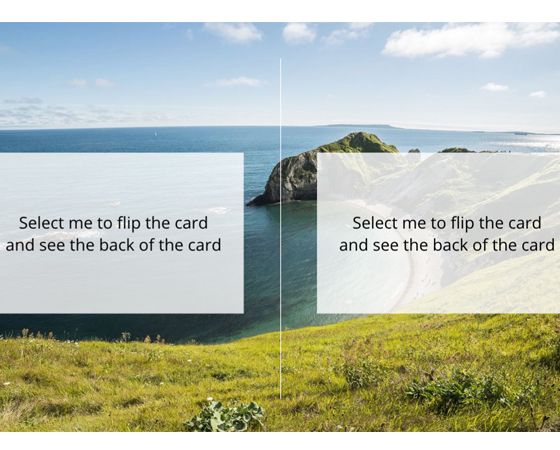
Here's a flashcard template with a cool flip animation that you can use to teach learners anything from vocabulary to complex concepts and everything in between.

Explore this project.

Published 5 years ago
Version 1.0

39 Comments

  • Sorry - I misspoke! Like the rest of you, I can see the animations and copy them from Thomas's slide, but I cannot add an animation to a state in a new shape. I hope someone figures this out!
  • LaurieNoffs's avatar
    LaurieNoffs
    Community Member
    While looking at the states in Thomas' .story, I see the animations on his states. But I cannot seem to replicate this in a new .story file. My animations pane is also grayed out while editing states. HELP!
    • LaurieNoffs's avatar
      LaurieNoffs
      Community Member
      This is strange. If I copy one of his rectangles and paste it into my test story, his rectangle works (animates) just fine, but mine don't!
  • LaurieNoffs's avatar
    LaurieNoffs
    Community Member
    Very nice! How did you add the flipping animation? I didn't see that in your .story file.
      • BetsyGomoll2's avatar
        BetsyGomoll2
        Community Member
        Maybe I'm missing something, but on states, animation is grayed out. How did you add animation to a state?