Forum Discussion

Adding scrollbar to text entry field in Storyline 360
- 5 months ago
Hi Everyone!
I'm happy to share that we just released a new update for Storyline 360!
In version 3.107.35958.0 we included essential fixes and new features. One of the bugs we’ve fixed is:
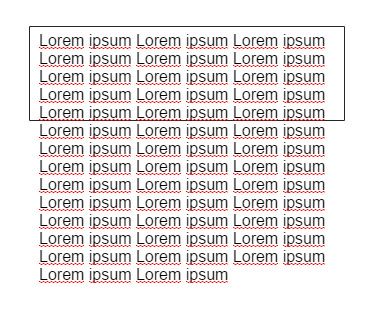
- A scrollbar didn't appear as expected when text overflowed
Launch the Articulate 360 desktop app on your computer to take advantage of this update, and click the Update button next to Storyline 360. You’ll find our step-by-step instructions here.
Please let us know if you have any questions!


Hi Ren,
Well, I fail to understand how this can't be considered a critical issue. You can't seemingly produce an input text field that has a fixed height (as would be the case in most instances I would have thought) that produces a scroll bar on text overflow. You can use the arrow keys and the mouse scroll wheel to navigate up and down the input field...but no scrollbar appears to indicate that this is possible? it makes no sense at all.