Forum Discussion

Adding scrollbar to text entry field in Storyline 360
- 5 months ago
Hi Everyone!
I'm happy to share that we just released a new update for Storyline 360!
In version 3.107.35958.0 we included essential fixes and new features. One of the bugs we’ve fixed is:
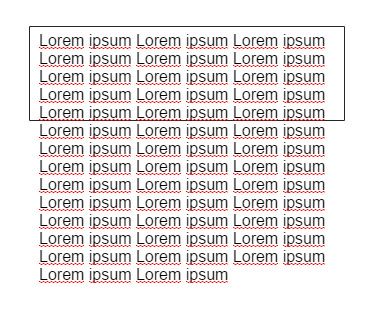
- A scrollbar didn't appear as expected when text overflowed
Launch the Articulate 360 desktop app on your computer to take advantage of this update, and click the Update button next to Storyline 360. You’ll find our step-by-step instructions here.
Please let us know if you have any questions!


Hello team, is there an update on this issue? I know I can revert back to the classic player, but I would prefer not to. Thank you.
- JoseTansengco3 years agoStaff
Hi Agnes,
Sorry to hear that you ran into this issue. I can confirm that we are still tracking the known issue where no scroll bars are generated for text that exceeds the height of the text input box. I've added your voice, and we'll be sure to let everyone subscribed to this thread know as soon as we have any updates to share!
