Forum Discussion

AI Assistant Model Changing

Hi BryanRice,
Thanks for sharing what you’re seeing here. I can understand how that would be frustrating, especially when it affects narration consistency.
I did some testing on my end using Multilingual v2, and I wasn’t able to reproduce the behavior. After changing the model to v2 on an existing clip, I inserted a new AI text-to-speech clip and it remained set to v2.
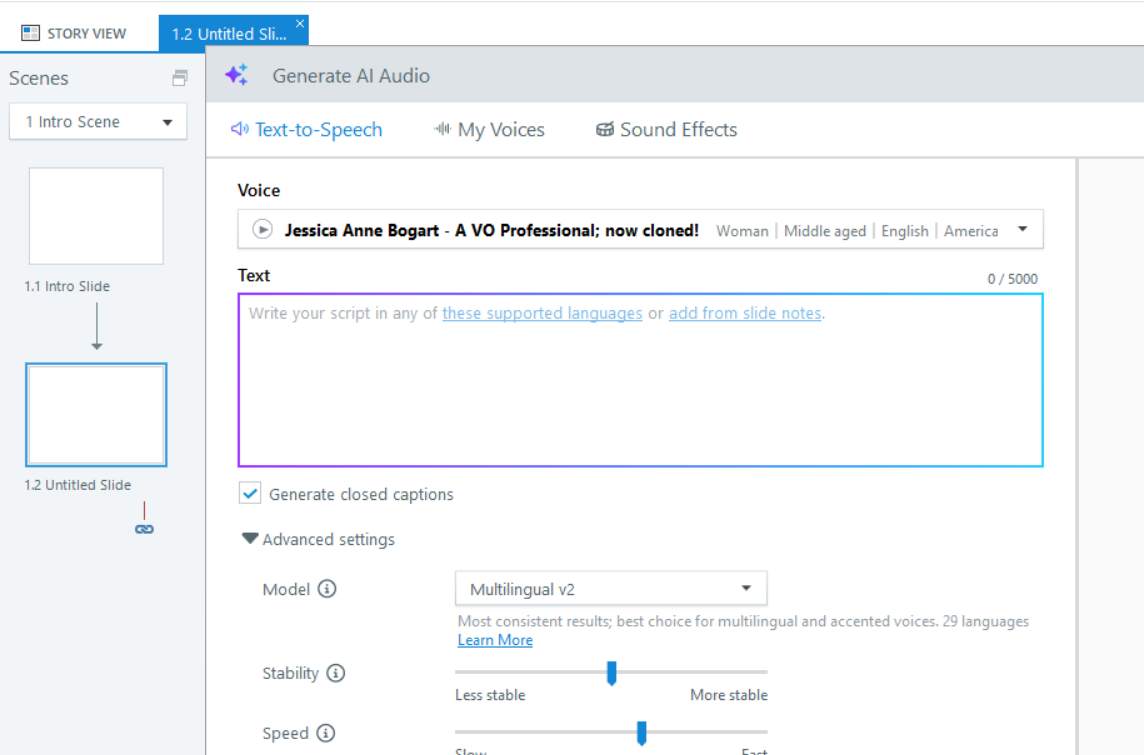
It would be helpful to narrow down what might be causing the difference. Does this happen in all project files or just a specific one? Also, when generating a new clip, are you changing the AI voice at any point?
One thing you can also try is repairing your Storyline installation to see if that resolves the behavior.
If you’re open to it, feel free to reach out to our support team and share your Storyline file so they can take a closer look at your setup and see what might be causing this.
- BryanRice5 months agoCommunity Member
Thank you for reaching out. I've been testing it more and notice that it's happening whenever I select a text box to add a text-to-speech audio file. Any time I do that, it defaults to V3, regardless of which model I'm using.