Forum Discussion

Bug in text label storyline 360?

Hello - I received mails from "support@articulate.com" in the past.
The mail adres in my profile mailto:axelXXXX@XXXX.ch is correct.
Could you please send a link to the open case to this adres? I can t find the open ticket.

Hi AxelDitter-66bb!
Thanks for following up!
I'm sorry to hear you're having issues receiving our support e-mails. Can you confirm that you've added support@articulate.com to your e-mail contact list, as my teammate Lauren shared? I've also resent the latest e-mail from 05/09, for your reference.
Please let us know if you're still having trouble!
- AxelDitter-66bb1 year agoCommunity Member
Hello Steven
See my answer above: "
Hello - I received mails from "support@articulate.com" in the past."
Would it be a great idea to copy the answer in this thread, so
- I can read it and
- others can read it
Thank you
cheers
Axel
- JoseTansengco1 year agoStaff
Hi AxelDitter-66bb,
Thank you for sending over your course files! Here's part of my message to you, which contains the results of my test. Here's what I see when I import your translated labels into a Storyline 360 project:
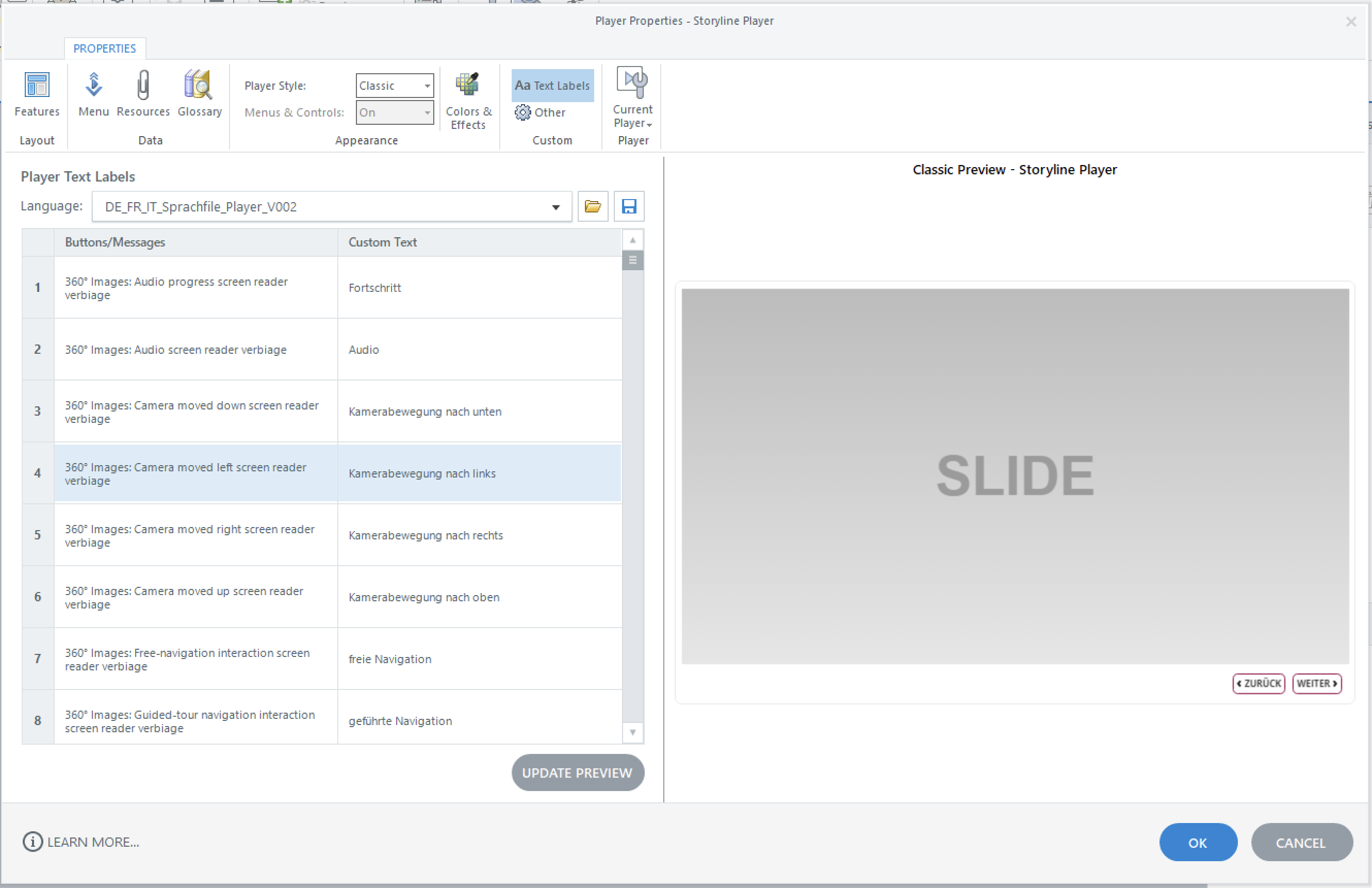
You can see that the labels were all translated into German. Previewing the course also shows the correct text. Since the behavior appears isolated, please try repairing your Storyline 360 installation to see if this fixes the problem. You'll also want to ensure you're working locally when importing your labels to minimize encountering any issues during the import process. I've attached a sample project file with your labels imported so you can check if everything was translated correctly and everything is correctly translated when the course is previewed.
As a troubleshooting step, can you try importing your labels into a new Storyline 360 project to see if it will successfully translate and preview the messages?

Related Content
- 8 years ago