Forum Discussion

Embedding Unity, overall size isn't visually correct.
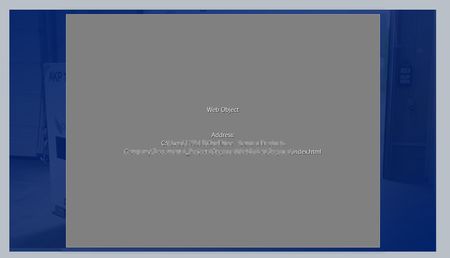
I would like someone to troubleshoot it, yes. I use 3D scenarios from Unity within Storyline a good bit, but this is a bug that is frustrating to work around sometimes.
- Jürgen_Schoene_3 years agoCommunity Member
- TreyDavis3 years agoCommunity Member
It's more of an issue during the design phase, I need to know exactly where my Unity object is going to be on the screen, and as it is now, I have to do lots of trial and error to line up other graphics or text with it.
- JoseTansengco3 years agoStaff
Hello Trey,
I do understand what you mean by not being able to align slide elements with elements in the web object because of a lack of a preview function for web objects.
You can try publishing your course with just the web object on the slide and previewing it, and then taking a screenshot of what the Unity object looks like when the course is viewed. Afterwards, you can try adding the screenshot to your slide as an image to give you an idea of where the web object elements are located.
For your reference, you can check out this article to know more about how we manage feature requests and enhancement suggestions from our users.


Related Content
- 11 years ago
- 5 months ago
try remove default webobject transform scaling
https://community.articulate.com/discussions/articulate-storyline/web-page-responsiveness-as-a-web-object
perhaps this will solve your problem