Forum Discussion

AnnaJevtovi-238
2 years agoCommunity Member
Help needed
Hello! I am relatively new to Articulate and even though I already created a course I still am learning about this tool. Therefore, I would like to ask for help. :)
Namely, I am trying to figur...

JudyNollet
2 years agoSuper Hero
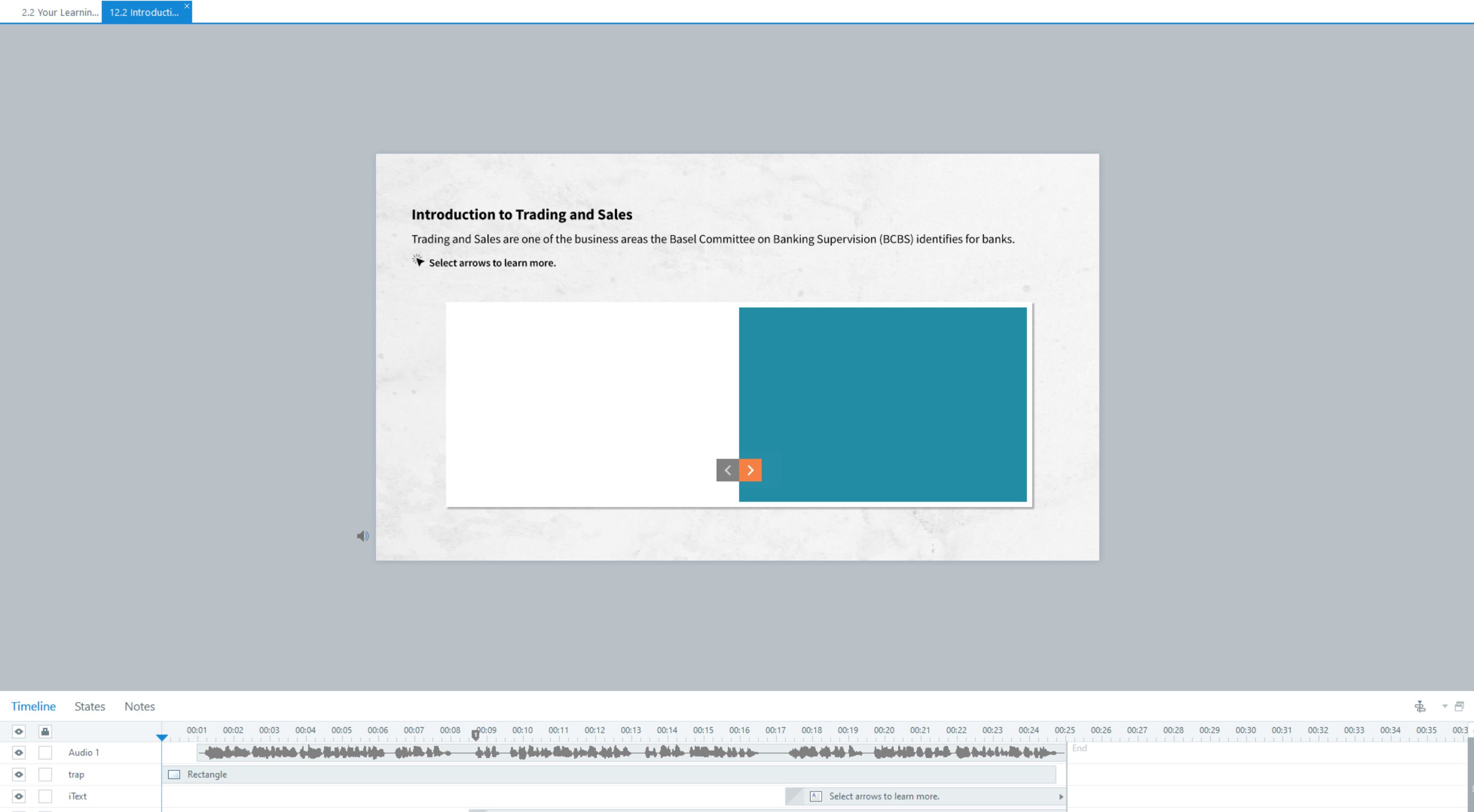
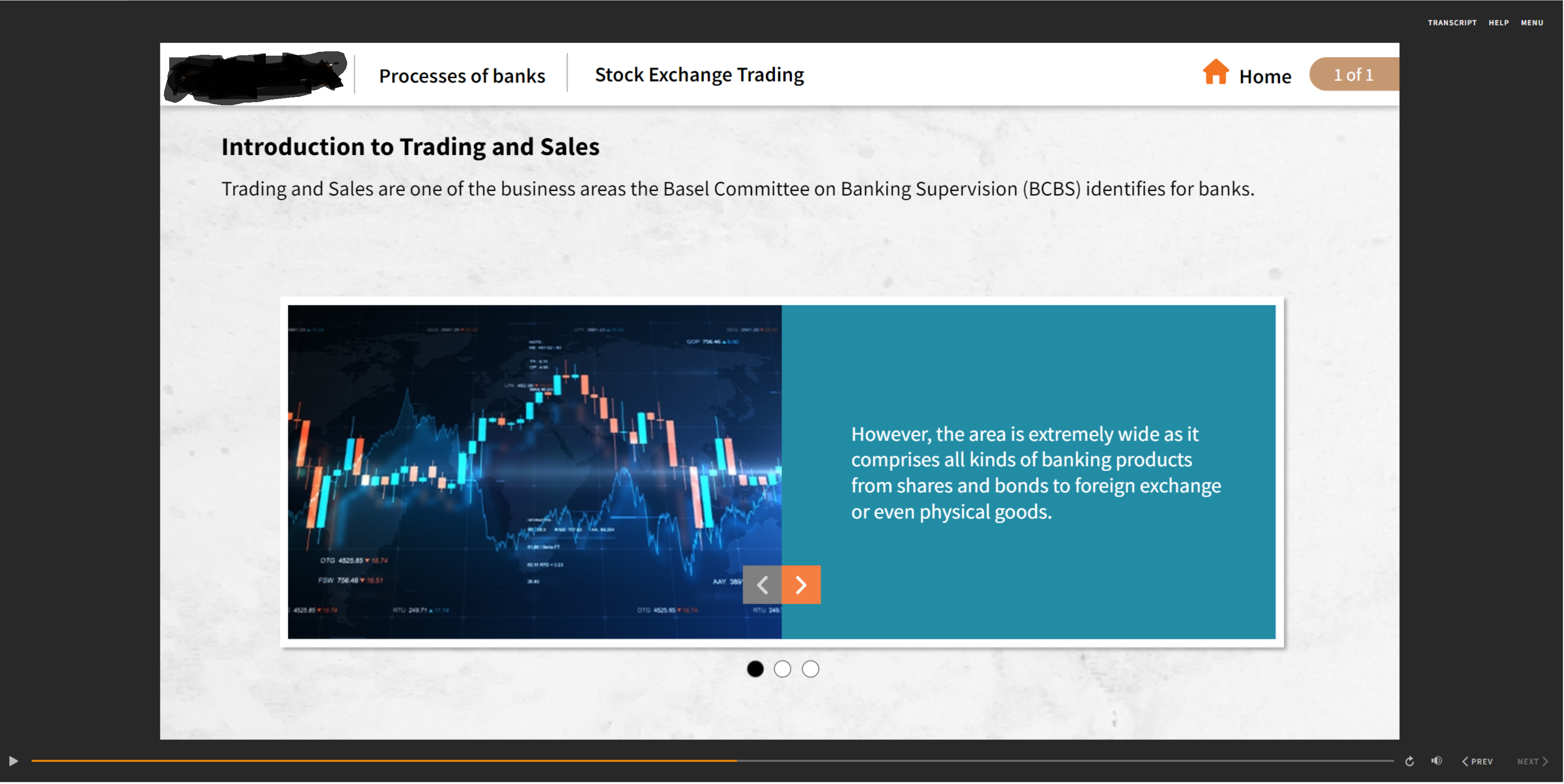
Based on your description and screenshots, I'd say that header/ribbon is on a layer on the Master Slide.
- The Master would have a "show layer __ when the timeline starts" trigger, so that the header would show over the slide content when previewed or published.
- Since it doesn't show when you're designing the slide, you might want to add guides to ensure nothing important will be in that space.
- The text boxes might use variables for showing different section titles. Or there may be separate Master Layouts for each section.
- I assume the Home icon has a trigger to jump to a custom menu/home slide.
- The # of # would be text with references to the built-in variables for slide numbers and total slides (either for the full course or for each section/scene).
Here are some related User Guide articles:
Related Content
- 1 month ago
- 9 months ago